
Blog
Master ServiceNow Chat Integration
Bringing a chat function into your ServiceNow environment isn't just about ticking a box on a tech checklist. It's about fundamentally changing your support model from...
Bringing a chat function into your ServiceNow environment isn't just about ticking a box on a tech checklist. It's about fundamentally changing your support model from putting out fires to preventing them in the first place. When you pull your chat directly into ServiceNow, you create a single, cohesive workspace that genuinely improves how your teams operate and how your employees feel about getting help.
Why a ServiceNow Chat Integration Changes Everything
Let's cut through the jargon. Integrating chat into the ServiceNow ecosystem isn't a minor tweak; it’s a complete operational shift. Your agents stop juggling multiple apps and windows, and instead, manage conversations and update records from one screen. This sounds simple, but the impact is massive.
Think about it from an HR perspective. Your team is constantly swamped with the same questions about holiday policies or payslip dates. An integrated chatbot can handle those instantly, freeing up your HR specialists to focus on the truly human, sensitive issues that need their expertise. This is where you unlock real agility.
From Scattered Data to a Single Source of Truth
One of the biggest wins with a ServiceNow chat integration is consolidating all your interaction data. Every single chat, whether it's with a live agent or a bot, gets logged directly against an employee's record. You get a perfect, chronological history of every support request, all in one place.
For any IT or support manager, this unified data is gold. It allows you to:
- Pinpoint recurring problems that a good knowledge base article could solve for good.
- Track agent performance and resolution times with genuine accuracy.
- Get a clear, unfiltered view of what your employees are really asking for.
Here’s a glimpse of what that centralised view looks like on the ServiceNow platform, where all these moving parts come together.
This kind of dashboard lets you visualise data from different workflows, giving you a clear-eyed view of your operational health and helping you spot performance bottlenecks before they become major problems.
The Real-World Impact on Your Bottom Line
When you get an integration right, the results are undeniable. In Poland, we've seen a surge in companies adopting ServiceNow chat integrations as part of their wider digital transformation strategies. Those who pair it with powerful telephony solutions like Vonage have seen a 30-40% increase in case resolution efficiency.
What's more, they’ve cut their average handling time by 25%. That's a direct, measurable impact on both your budget and your team's morale. You can read more about how these ServiceNow integration results were achieved and see the numbers for yourself.
By pulling chat into a central hub, you aren't just adding a new way for people to get in touch. You're building an intelligent, self-sufficient support system that frees your best people to focus on the complex, high-value work that really needs a human touch.
Laying the Groundwork for a Smooth Integration
A successful ServiceNow chat integration starts long before you touch a single line of code or configure an API endpoint. I always tell my clients to think of this as the pre-flight check. A little focused preparation here saves you from a world of headaches later on and ensures the project actually delivers on its promise.
Your first move should be a candid look at your current ServiceNow instance. This isn't a deep technical teardown, but more of a strategic health check. Are your knowledge base articles actually helpful and up to date? A chat tool is only as smart as the information it can tap into. Outdated content will just lead to frustrated users.
What Problems Are You Actually Trying to Solve?
This is where you give the project a real purpose. A vague goal like "improving support" is a surefire way to get a muddled, ineffective result. You need to get specific and define your use cases with precision. What pain points will this integration fix?
Think about these two very different scenarios:
- The IT Help Desk: Automating password resets and unlocking accounts. This is a classic high-volume, low-complexity task that's perfect for a bot. The goal here is simple: free up your human agents from repetitive, soul-crushing work.
- HR Onboarding: Walking a new hire through their first week. This is a much more complex, multi-step journey that might involve different departments and systems. The goal is to create a seamless and welcoming experience for your new team member.
Getting this clarity upfront—whether you're tackling simple IT incidents or complex HR processes—shapes your entire technical strategy and how you'll even measure success.
Defining your key performance indicators (KPIs) before you start is absolutely non-negotiable. You have to be able to measure success. Are you aiming to cut down ticket resolution time by 20%, or maybe deflect 30% of routine IT queries? Settle on these concrete numbers with your stakeholders before a single developer gets involved.
Getting Your Ducks in a Row: Tech and Team Readiness
With clear goals in hand, you can start laying the technical foundation. This usually involves figuring out the specific user roles and permissions the integration will need to do its job. From experience, setting up a dedicated integration user with tightly controlled access is the gold standard for security and makes auditing so much easier down the road.
Before you jump into the build phase, it's wise to run through a quick checklist to make sure you're truly ready. Here are the key things I always check off with my team before we kick off a new integration project.
Integration Readiness Checklist
| Area | Checklist Item | Why It Matters |
|---|---|---|
| Strategic Alignment | Define 2-3 primary use cases. | This keeps the project focused, prevents scope creep, and ensures you're building something that delivers immediate value. |
| Content Readiness | Audit and refresh the knowledge base. | Your chat tool needs accurate, relevant information to give users correct answers and avoid creating more frustration. |
| Access & Security | Create a dedicated integration user role. | It's all about the principle of least privilege—giving the integration only the access it absolutely needs and nothing more. |
| API Access | Confirm API access and rate limits. | You need to be sure your ServiceNow instance can handle the extra traffic from the chat platform without slowing down. |
Taking the time to walk through these foundational steps is the single most important thing you can do. It's what turns a ServiceNow chat integration from just another flashy tool into a genuine operational improvement that makes a real difference.
A Practical Walkthrough of the Integration Process
Alright, let's roll up our sleeves and get practical. Enough theory—this is where we actually connect the dots and bring your ServiceNow chat integration to life. I’ll walk you through the real technical story of how a platform like Voicetta can start a conversation with your ServiceNow instance. The aim here is to make this whole process feel less like a black box and more like a clear, manageable project.
Getting the Two Systems to Talk
The whole journey begins inside ServiceNow, where you’ll need to set up your REST API messages. I like to think of these as pre-written, structured "letters" that your system will send out to the chat platform. Each one has a specific job, like "send a status update" or "fetch user details." You'll define the endpoint (which is just the address for the chat platform's API), get your authentication sorted, and map out exactly what data you need to send.
Once ServiceNow knows how to talk, it also needs to know how to listen. That's where a Scripted REST API comes into play. You're essentially creating a unique, dedicated endpoint—a digital doorway—within your ServiceNow instance that your chat platform can send information to. So, when a user types "My VPN is down!" into their chat window, the chat platform forwards that message straight to your new endpoint, kicking off all the magic on your end.
The Brains of the Operation: Scripting the Logic
This is where things get interesting. The real heart of the integration is the script that figures out what to do with these incoming messages. In my experience, this is best handled with a Script Include, which is basically a reusable chunk of server-side JavaScript. This script acts as your expert translator, taking the raw JSON data sent from the chat platform and turning it into meaningful actions inside ServiceNow.
For example, your script can be written to scan an incoming message for keywords like "password reset" or "VPN issue." Based on what it finds, it then makes the smart decision about which workflow to trigger. This is where you really build the intelligence of your integration, teaching the system how to respond to user needs.
This visual breaks down the basic flow, from the initial setup all the way to a successful test.
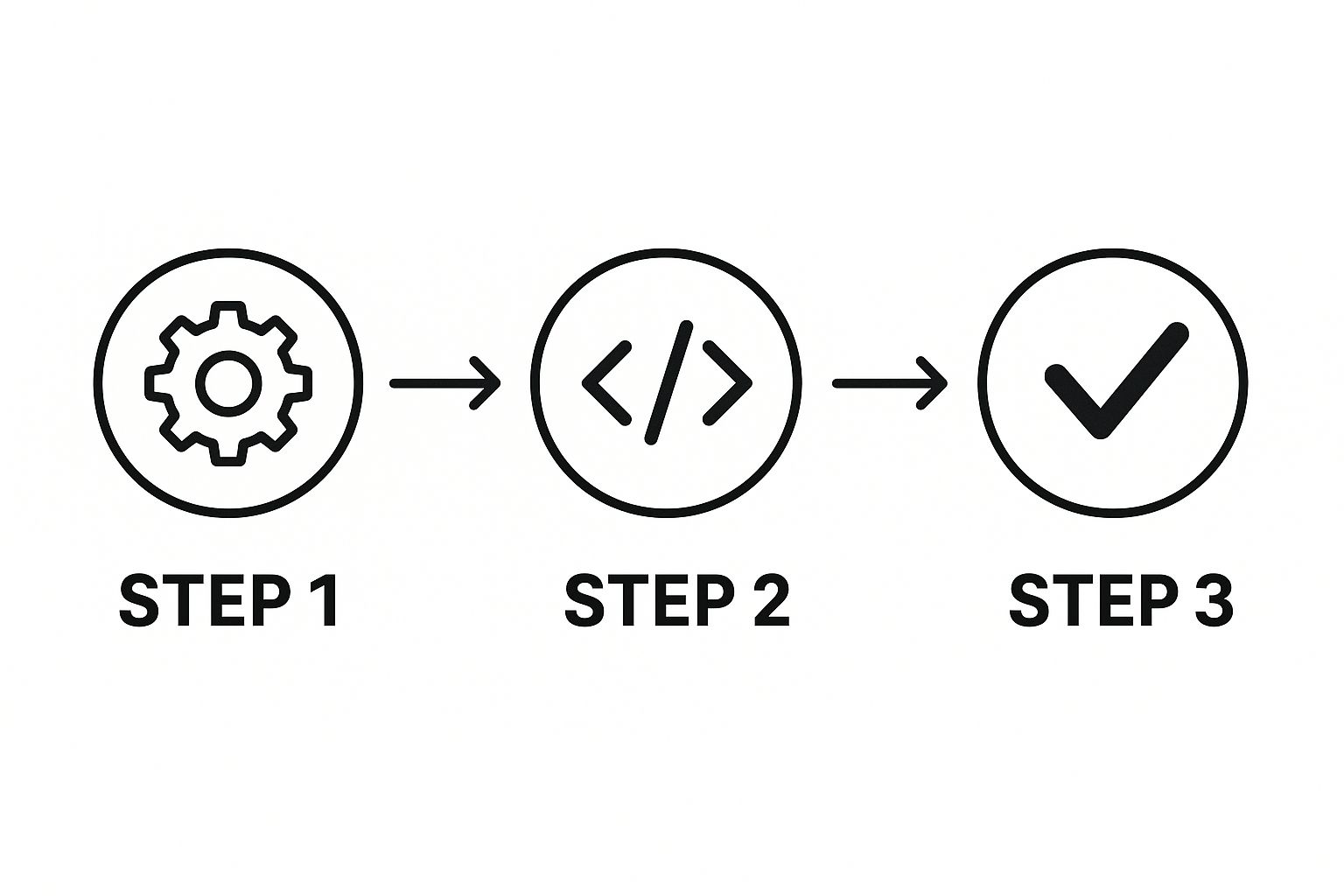
As you can see, it really boils down to three core phases: configuring the settings (the gears), scripting the logic (the code), and then validating that it all works (the checkmark). It’s a clear path from setup to a fully working integration.
With your REST messages and Script Includes ready to go, the final piece of the puzzle is orchestrating the actual work. This is where ServiceNow's Flow Designer really shines. It's a fantastic low-code environment where you can visually build automated workflows without having to write tonnes of code for every little step.
A Real-World Scenario: Creating an Incident
Let's walk through a common example. A user, Alex, sends a message: "My laptop's audio is not working."
Here’s what happens behind the scenes, almost instantly:
- Message Received: The chat platform pings your Scripted REST API endpoint with Alex's message.
- Script Logic Kicks In: Your Script Include immediately gets to work, parsing the message. It spots the keywords "laptop" and "audio not working" and correctly identifies it as a hardware problem.
- Flow Designer is Triggered: The script then triggers the specific flow you've already built for handling hardware issues.
- Automated Actions: The flow takes over and executes a series of steps you defined:
- It creates a brand-new incident record in ServiceNow.
- It populates the incident with Alex's user details and the original chat message for context.
- It assigns the new incident directly to the Hardware Support group.
- It sends a confirmation message back to Alex through the chat: "I've created incident INC0012345 for you. A support agent will be in touch shortly."
This entire sequence happens in seconds. Alex gets an immediate confirmation, and your support team gets a perfectly documented ticket ready to be actioned. Setting up a system like this is a massive first step. If you want more tips on the chatbot side, you can find more guidance on how to implement a chatbot that follows these core principles to meet both user expectations and business goals.
Key Takeaway: The magic of a good ServiceNow chat integration isn't just about the individual parts like APIs or scripts. It's about how they all work together in a seamless, automated symphony, conducted by a tool like Flow Designer. This is how you transform a simple user conversation into a structured, efficient business process. That’s the real secret to unlocking operational efficiency.
Taking Your ServiceNow Chat to the Next Level with Generative AI
Getting a standard chat integration working in ServiceNow is a great first step. It’s a solid win. But the real game-changer, the thing that separates a good system from a truly intelligent one, is weaving in generative AI.
This is where you graduate from basic, pre-scripted bots to something more akin to a digital assistant. I’m talking about a system that can understand context, reason through problems, summarise complex histories, and even suggest solutions. It's the difference between a chatbot that can only pull up a knowledge base article and one that can analyse an entire ticket thread and tell the agent what to do next.
This isn't some far-off future concept; it's happening as we speak. We recently saw a huge move from ServiceNow and Microsoft, who announced they’re linking their flagship generative AI tools, Now Assist and Microsoft Copilot. This partnership creates one unified chat experience where a simple, natural language request can kick off sophisticated workflows across both platforms.
For companies here in Poland, this is a massive deal. In fact, analysts are predicting that by the end of this year, more than 50% of large organisations on ServiceNow will have adopted this kind of generative AI assistant. The goal? To slash manual workloads by at least 35%. You can dig deeper into this groundbreaking ServiceNow and Microsoft partnership to understand its full impact.
From Answering Questions to Actually Solving Problems
The fundamental shift with generative AI is moving from a reactive to a proactive model.
Think about this real-world scenario: an employee opens a chat to complain about a software bug that keeps popping up. A basic bot would just log another ticket. An AI-powered system, however, can do so much more:
- It instantly analyses past incidents, scanning every previous ticket related to that specific piece of software.
- It starts to identify root causes, spotting patterns a human might miss—like the bug only happening on a certain OS version or after a specific update.
- It summarises everything for the agent, giving them a brief, digestible report on the issue, its history, and possible fixes before they even type "hello."
That's the magic of a tool like Now Assist. It doesn't just act as a glorified messenger; it enriches the entire interaction with genuinely useful insights. Your simple support chat suddenly becomes a strategic tool for managing problems more effectively.
The Power of a Truly Intelligent Assistant
This kind of advanced AI doesn't just make life easier for your support team; it completely transforms the user's experience. The conversation feels less like talking to a machine and more like collaborating with a helpful expert because the AI genuinely understands the context. It can navigate tricky, multi-part issues that would completely derail a less sophisticated chatbot.
This is the point where the integration stops being a mere convenience and starts feeling like an indispensable partner. The system anticipates what you need, offers smart suggestions, and simplifies complex tasks, making the whole support process feel effortless.
If you're looking to push the boundaries of your ServiceNow chat integration, this is your next frontier. You can explore how an AI chatbot from Voicetta can be built to provide these sophisticated, high-value interactions. The ultimate aim is to create a system that doesn’t just field questions but learns from every single conversation, constantly getting better at supporting your employees and your business. It's about moving beyond simple automation and embracing true digital intelligence.
How a Smart Chatbot Can Transform Your HR Service Delivery

Let’s get practical and look at a powerful use case for a ServiceNow chat integration that touches every single person in your company: completely rethinking how your HR department works. This isn't just about answering basic questions a bit quicker. It's about fundamentally improving the employee experience by putting expert HR guidance at their fingertips 24/7, right inside the platforms they already use every day.
The real aim here is to evolve past a simple FAQ bot. A modern, well-executed integration doesn’t replace your HR team; it superpowers them. By handling the constant stream of repetitive queries, it frees up your human specialists to focus on the complex, sensitive work that truly matters—things like employee relations, career development, and strategic talent planning. This shifts HR from being a reactive support function to a proactive, strategic partner in the business.
Giving Your Chatbot an HR Brain
The magic really happens when you connect your ServiceNow chat to specialised, authoritative sources of knowledge. Think about it: you're essentially giving your employees a direct line to decades of refined HR wisdom, available on demand, anytime they need it.
A brilliant example is ServiceNow’s recent move to embed the Josh Bersin Company’s Galileo HR intelligence directly into its Now Assist feature. This gives organisations instant access to 25 years of HR best practices through their AI chatbots. The impact is undeniable. With over 2,000 global customers already seeing the benefits, and Poland's market share for this kind of tech growing by about 15% annually among larger companies, the trend is clear. My own experience has shown that this level of deep integration can streamline case resolution by a solid 20%, which is a significant gain in operational efficiency. You can read more about this powerful HR intelligence integration on PR Newswire.
This is the leap from a basic chatbot to a genuine AI-powered HR advisor. The system isn't just spitting back a pre-written knowledge article; it's delivering guidance that is contextual, compliant, and built on industry-leading expertise.
This kind of advanced capability turns what were once complex, multi-step HR processes into simple, self-service conversations.
- A new father can ask about parental leave policies and immediately get a clear, step-by-step guide without waiting for an HR business partner to call back.
- A manager preparing for a tough performance review can get instant, practical advice on best practices right when they need it most.
- A new starter can easily get through the often confusing benefits enrolment process with an AI guide walking them through it.
More Human, Not Less
Here’s the thing many people miss: a smart chatbot integration makes your HR department more human, not less. It frees your talented team from the monotonous loop of answering the same questions over and over. This allows them to dedicate their time, energy, and empathy to the situations where a human touch is indispensable. It’s an absolutely essential piece of any modern employee support system.
Of course, pairing this intelligence with a solid communication platform is the final piece of the puzzle. For instance, weaving these smart chat features into a comprehensive system like an IVR in a call centre creates a truly seamless support experience, whether an employee reaches out via text or voice.
The end result? A workforce that feels supported, well-informed, and empowered to find what they need, exactly when they need it.
Your ServiceNow Chat Integration Questions Answered
Whenever you're looking at bringing a new system like chat into your ServiceNow environment, a lot of questions naturally come up. I’ve heard plenty of them over the years, so let's walk through some of the most common ones I hear from teams just starting their journey.
One of the first things leaders always ask is, "What are the real benefits here?" It really comes down to two things: a massive jump in efficiency and a much smoother experience for your users. Think about it—by automating all those routine, repetitive questions, you immediately free up your highly skilled support agents. They can stop resetting passwords and start tackling the complex, high-value problems that actually require their expertise.
This shift doesn't just help your support team. It means employees get instant answers to their problems right where they're already working. Plus, you get the added bonus of centralising all your support communications. Every single chat, whether it's with a bot or a live agent, gets logged right there in ServiceNow. This creates a single source of truth, which is an absolute goldmine for reporting and truly understanding what your users need.
Do I Need to Be a Hardcore Developer to Do This?
This is probably the second most common question, and the answer is a relief for many: not necessarily. While a deep, highly customised integration might call for some JavaScript skills to build out custom Business Rules, ServiceNow has put a huge effort into its low-code and no-code tools.
It’s a game-changer. Tools like Flow Designer and IntegrationHub are incredibly powerful visual environments. They let you build out complex, robust workflows and connect to other services with very little, and often zero, actual coding. For most standard integration scenarios, you can get a fantastic result without ever writing a line of code.
Can We Integrate Our Specific Chat App?
The short answer is almost always yes. If your chat tool of choice has a modern API—usually a REST API—then integrating it with ServiceNow is definitely on the table. The platform was built from the ground up to be extensible in this way.
The typical process involves a bit of back-and-forth. You’d set up REST messages in ServiceNow to call out to the chat app's API, and then create Scripted REST APIs so ServiceNow can listen for and receive data coming back in.
It gets even better if you're using a major platform like Microsoft Teams or Slack. For these, ServiceNow's IntegrationHub often has pre-built "Spokes" or connectors that do most of the heavy lifting. What would have been a complex development project becomes a much simpler configuration task. If you want to explore the strategic side more, our guide on how to automate customer support is a great place to start.
Finally, what about AI? People often wonder how AI features like Now Assist fit into all this. AI is what elevates your integration from a simple command-and-answer tool into a genuinely intelligent conversational partner. It’s the difference between a bot that can only fetch a knowledge base article and one that can summarise an entire case history, proactively suggest solutions, and guide a user through a multi-step process. It makes the whole interaction feel less robotic and more like you're talking to a sharp, helpful colleague.
At Voicetta, our expertise is in building these kinds of intelligent, 24/7 communication solutions that work seamlessly with your human teams. Explore how Voicetta can transform your customer interactions today.
Was this useful?
If this article helped, add Voicetta as a preferred source in Google Search. Your results can then highlight our writing.
Add as preferred source