
Appointment Scheduling Software: Top Tools for Business
Published: 2025-04-28
Tired of Scheduling Chaos? There's an App for That!
Juggling appointments and managing client bookings a nightmare? Stop the endless email chains and reclaim your time. This listicle showcases the top 10 appointment scheduling software solutions for 2025. Whether you're a busy CEO, a healthcare provider, or a customer support manager, we've got you covered. Discover which appointment scheduling software best fits your needs and budget, from industry giants like Calendly and Acuity Scheduling to powerful options like Voicetta and 10to8. We'll help you find the perfect tool to streamline your scheduling process and boost your productivity.
1. Voicetta
Imagine a world where your business never misses a customer interaction, even after the office doors are closed. Voicetta makes this a reality. Acting as your 24/7 AI Communication Concierge, Voicetta captures every incoming call and message, transforming routine inquiries into valuable leads and seamlessly scheduling appointments, regardless of the time of day. This powerful appointment scheduling software solution isn't just about convenience; it's about maximizing your team's efficiency and capitalizing on every potential sales opportunity. For busy professionals across various sectors, from customer support managers and hospitality professionals to real estate agents and healthcare providers, Voicetta offers an innovative way to enhance customer service and streamline operations. Even CEOs, CTOs, and business owners can benefit from the streamlined communication and increased efficiency Voicetta provides.
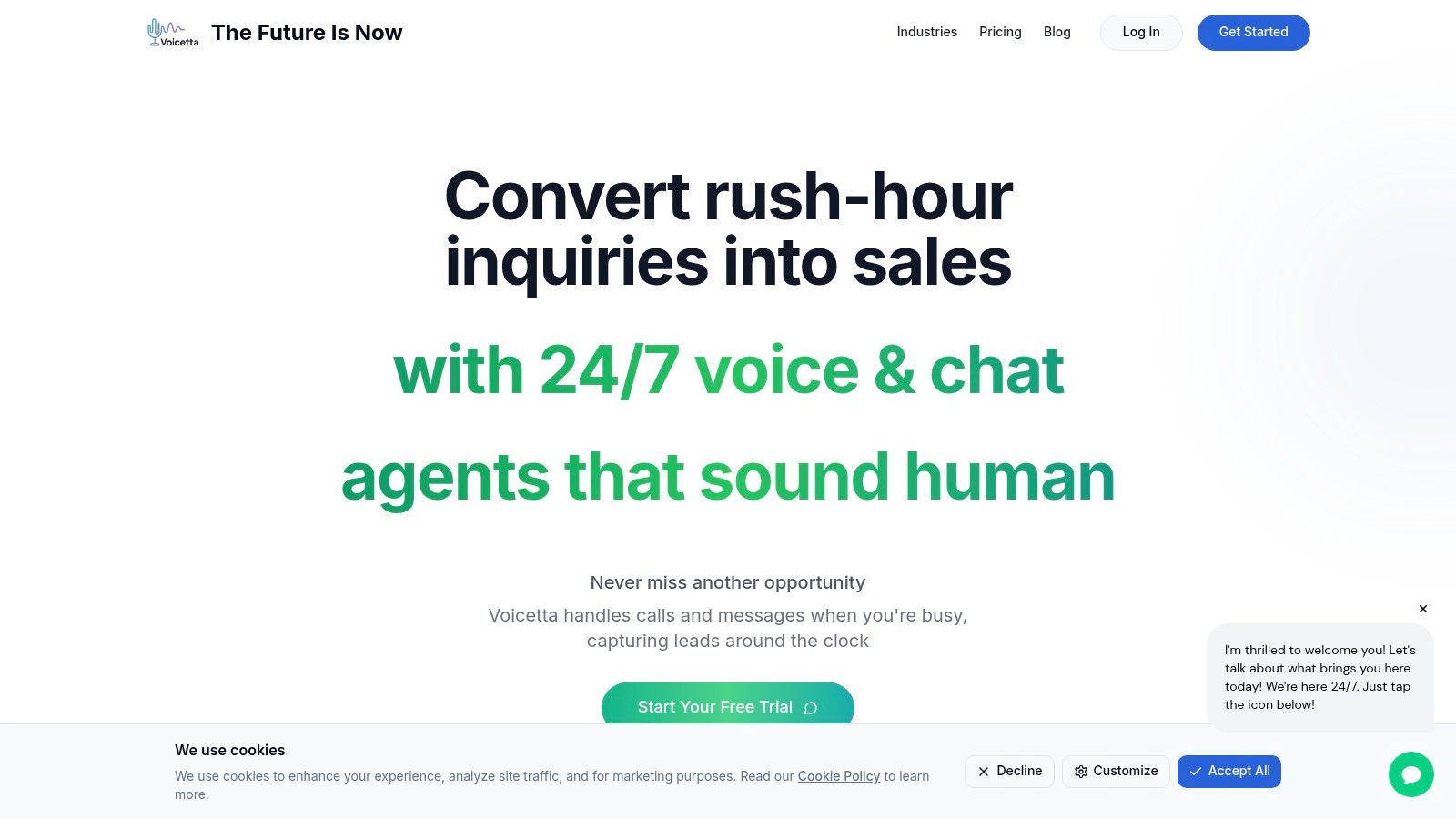
Voicetta stands out from other appointment scheduling software by integrating with major enterprise systems such as CRM, PMS, and ERP. This streamlines workflows by automating lead qualification, appointment scheduling, and frequently asked questions. This seamless integration eliminates manual data entry and reduces the risk of errors, freeing up your team to focus on more complex tasks and strategic initiatives. Learn more about Voicetta and discover how its features can be tailored to your specific needs. Think about it: your IT team can focus on critical projects, your healthcare staff can dedicate more time to patient care, and your real estate agents can focus on closing deals, all while Voicetta handles the incoming communication flow.
Voicetta boasts impressive results, including a potential boost in conversion rates by up to 35% thanks to its instant, intelligent responses. It can also reduce your support workload by a significant 60%, allowing your staff to tackle complex issues requiring a human touch. Perhaps the most compelling statistic is the potential ROI of over 300% within the first 30 days of implementation. While upfront pricing details aren't readily available and may require further inquiry, the potential return on investment makes exploring Voicetta a compelling proposition for businesses looking to optimize their customer communication and appointment scheduling processes.
Implementing Voicetta might require some initial setup and customization to perfectly align with your specific business processes. However, the long-term benefits of increased efficiency, reduced workload, and a significant boost to your bottom line make this initial investment worthwhile. Voicetta earns its spot on this list by offering a comprehensive solution that goes beyond simple appointment scheduling, providing a truly intelligent and always-on communication concierge for your business. While similar tools may offer basic scheduling functionalities, Voicetta differentiates itself with its AI-powered capabilities and seamless integrations, making it a top contender for businesses looking to elevate their customer interaction management and optimize their appointment scheduling process.
2. Calendly
Streamlining your scheduling process is crucial for maximizing productivity, whether you're a busy customer support manager, a hospitality professional juggling reservations, a real estate agent showing properties, a healthcare provider managing patient appointments, an enterprise IT manager coordinating deployments, or a business owner wearing multiple hats. Calendly emerges as a leading appointment scheduling software solution, automating the often tedious back-and-forth emails and freeing up valuable time for you to focus on what matters most. By integrating seamlessly with popular calendar platforms like Google Calendar, Outlook, Office 365, and iCloud Calendar, Calendly intelligently checks your availability and helps you schedule meetings without the dreaded calendar conflicts. Its flexible design caters to individuals, teams, and large enterprises alike, offering a range of customizable options to meet diverse scheduling needs.
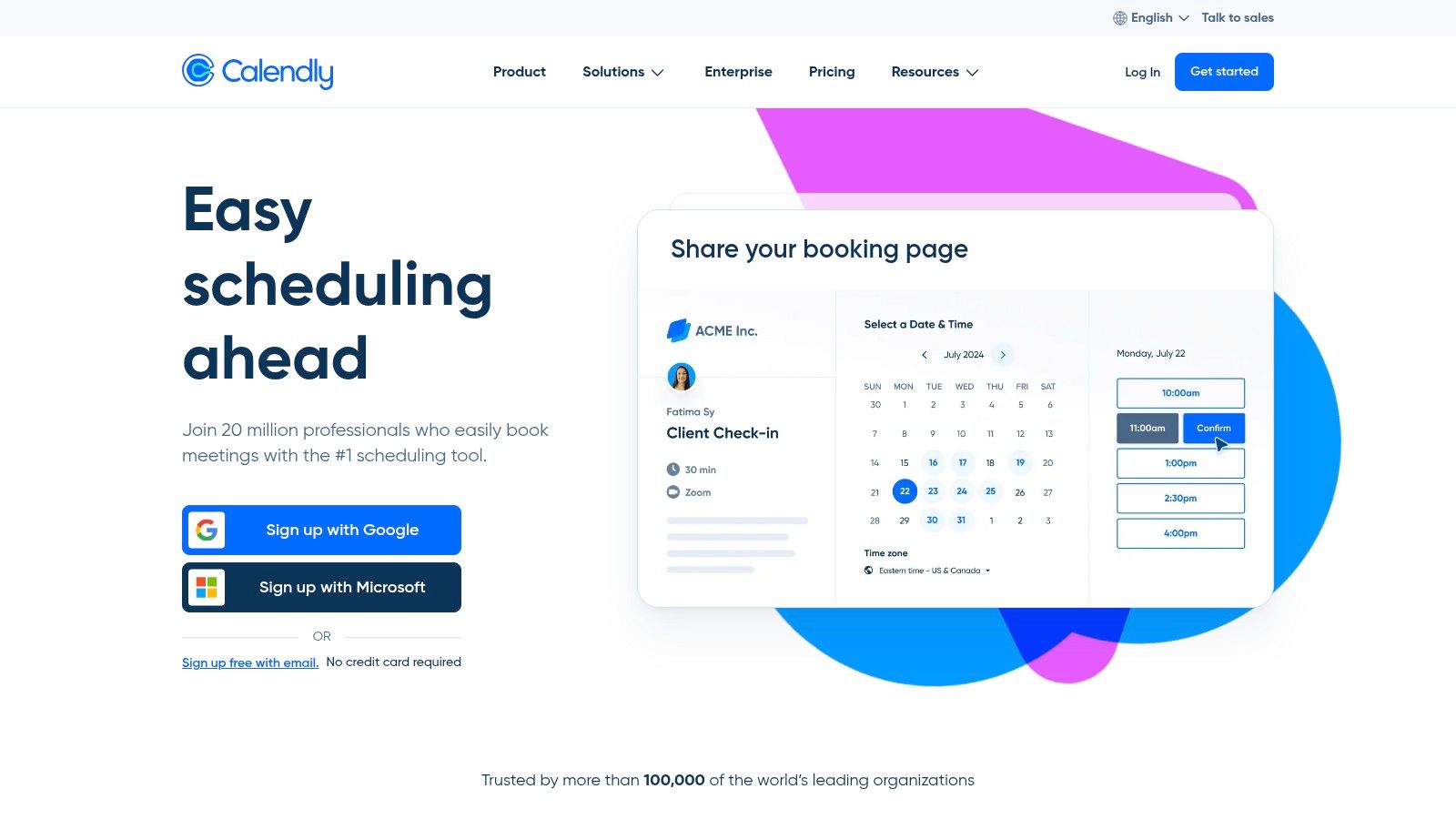
One of Calendly's key strengths lies in its intuitive and clean user interface, making it incredibly easy to navigate and set up. Even without prior experience with scheduling software, you can quickly get up and running, defining your availability, setting buffer times between meetings to avoid back-to-back appointments, and customizing event types for different meeting purposes. For teams, Calendly's round-robin scheduling feature intelligently distributes meetings amongst team members, ensuring equitable workload distribution and efficient appointment management. Automated reminders and follow-ups further enhance the user experience, reducing no-shows and improving communication. Furthermore, Calendly’s integration with Zapier opens up a world of possibilities, connecting with over 700+ apps to automate workflows and streamline various business processes.
Calendly earns its spot on this list due to its powerful features combined with an accessible user experience. Its robust free tier provides exceptional value, offering core scheduling functionalities perfect for individuals and small businesses. While some advanced features like customizable branding and SMS notifications require a premium subscription, the free tier’s capabilities are surprisingly comprehensive.
Pros:
- Clean, intuitive user interface makes scheduling a breeze.
- Robust free tier offers excellent value.
- Seamless calendar integrations with major platforms.
- Easy embedding of scheduling links on websites for client convenience.
Cons:
- Limited customization options on lower tiers may restrict branding capabilities.
- Some advanced features, like payment processing, require premium plans.
- No built-in payment processing on the free plan might necessitate workarounds for businesses that require upfront payments.
Pricing: Calendly offers a free basic plan, while paid plans start from $8/user/month for more advanced features and customization options.
Technical Requirements: Calendly is a web-based application accessible through any modern web browser. Mobile apps are also available for iOS and Android devices.
Implementation Tip: Start by defining your availability and creating event types for different meeting purposes. Embed your Calendly link on your website, email signature, and social media profiles to make scheduling effortless for clients and colleagues. Explore Zapier integrations to automate related tasks and boost productivity.
Compared to other appointment scheduling tools, Calendly stands out with its user-friendly interface and a robust free tier, making it a compelling choice for individuals and businesses seeking a reliable and efficient scheduling solution. Its comprehensive integrations and automation capabilities further solidify its position as a top contender in the appointment scheduling software landscape. Visit the Calendly website to explore its features and start optimizing your scheduling process today.
3. Acuity Scheduling
Acuity Scheduling, now a part of Squarespace, stands out as a robust appointment scheduling software solution tailored for service-based businesses. Whether you're a customer support manager juggling multiple client requests, a hospitality professional coordinating bookings, a real estate agent managing property viewings, a healthcare provider organizing patient appointments, an IT manager streamlining internal processes, or a business owner wearing multiple hats, Acuity Scheduling can significantly simplify your scheduling workflow. It moves beyond simple calendar management by offering self-service appointment booking, integrated payment processing, and efficient client information management, making it a comprehensive platform for businesses that rely on scheduling. Its strength lies in managing complex scheduling needs with features like recurring appointments, package bookings, and the ability to sell gift certificates, allowing for flexible and diverse service offerings.
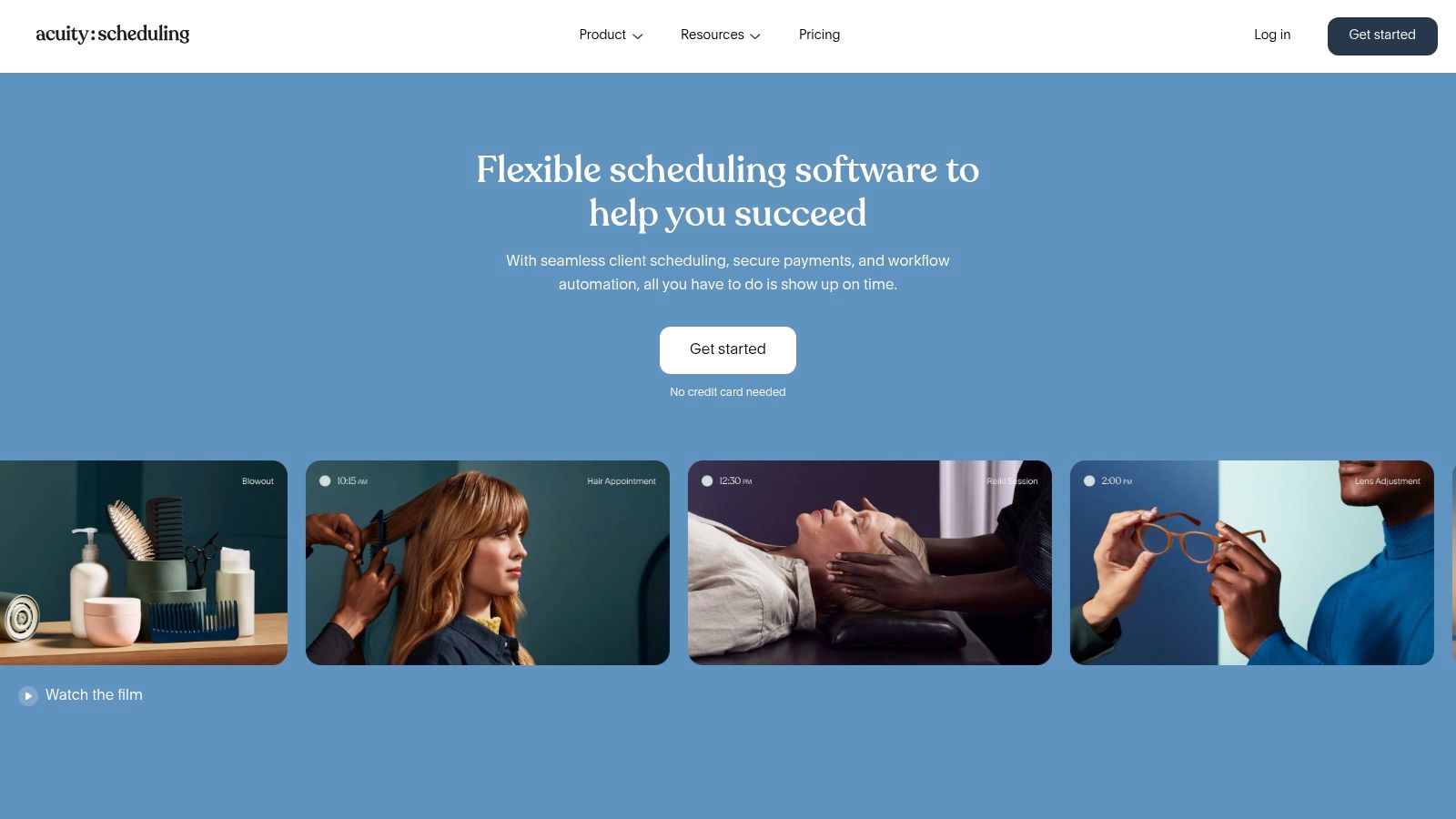
Think of Acuity Scheduling as your virtual receptionist, working 24/7 to handle appointment bookings so you don't have to. Clients can easily book appointments online through a customizable booking page, filling out intake forms tailored to your specific needs. This self-service feature frees up your time to focus on other crucial tasks while providing a convenient and user-friendly experience for your clients. Automated email and text reminders reduce no-shows and keep everyone on schedule. For instance, a healthcare provider can use Acuity to manage patient bookings, send appointment reminders, and collect necessary medical information beforehand, all through a streamlined online system. Similarly, a real estate agent can utilize the platform to schedule property viewings, send automated confirmation emails with property details, and manage client preferences.
A key advantage of Acuity Scheduling is its robust payment processing integration. You can seamlessly accept payments online through various gateways, streamlining your billing process and reducing administrative overhead. This feature is particularly beneficial for businesses that offer paid services or consultations, ensuring quick and secure transactions. The time zone conversion feature is invaluable for businesses operating across different geographic locations, automatically adjusting appointment times to each client's local time zone, minimizing confusion and scheduling errors. The ability to book group classes and workshops further extends its versatility, making it an ideal solution for fitness studios, educational institutions, and other businesses offering group activities.
Acuity Scheduling offers various plans tailored to different business needs, although it doesn't have a free plan. You can explore the available options and find the one that suits your budget and requirements by visiting their website. Learn more about Acuity Scheduling. It's worth noting that while Acuity offers a powerful set of features, it does have a steeper learning curve compared to some simpler scheduling tools. Also, it falls on the pricier side of appointment scheduling software.
Pros:
- Highly customizable booking page
- Robust payment processing capabilities
- Excellent for service-based businesses
- Detailed reporting and analytics
Cons:
- No free plan (only free trial)
- Steeper learning curve than some competitors
- More expensive than some alternatives
Website: https://acuityscheduling.com/
Acuity Scheduling earns its place on this list due to its comprehensive features, catering specifically to service-based businesses. Its focus on automation, customization, and robust payment processing makes it a powerful tool for managing complex scheduling needs. While the cost and learning curve might be considerations, the benefits it offers in terms of streamlined operations and enhanced client experience make it a valuable investment for businesses seeking a comprehensive appointment scheduling solution.
4. SimplyBook.me
SimplyBook.me stands out as a robust appointment scheduling software solution, particularly tailored for service-driven businesses. More than just a simple scheduler, it offers a fully customizable booking website, complete with integrated marketing tools and a wide array of features, making it a comprehensive platform. This makes it ideal for businesses wanting a complete online presence for booking, rather than just a widget tacked onto an existing site. Are you a hair salon looking to streamline appointments, a consultant offering online booking, or a health clinic managing multiple practitioners? SimplyBook.me has you covered. It empowers businesses to take control of their scheduling and client management, boosting efficiency and freeing up time to focus on what they do best.
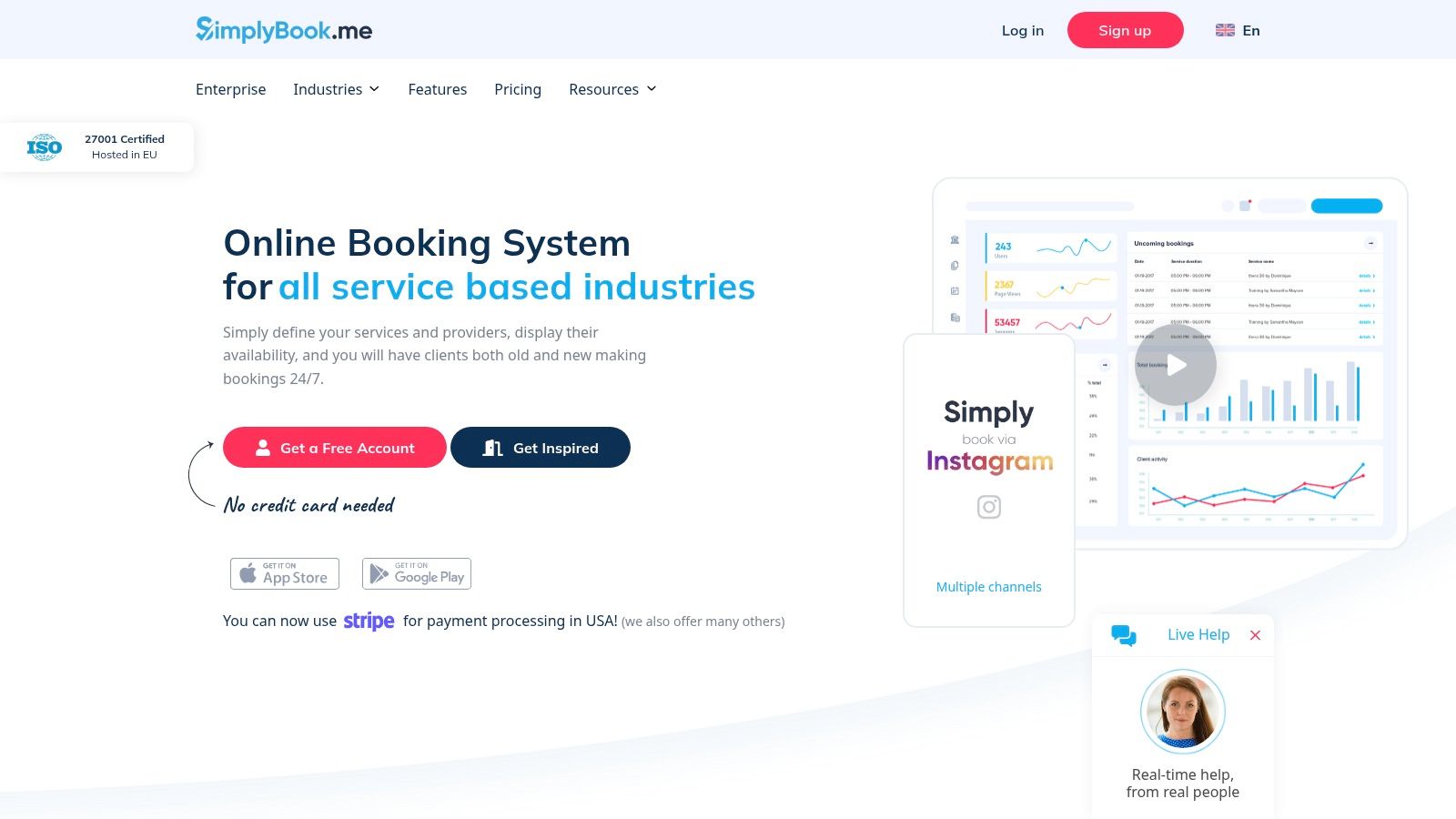
One of SimplyBook.me's strengths lies in its customization options. You can tailor the booking website to match your brand, use your own domain name, and configure it to reflect your specific services and offerings. For businesses with multiple staff members and locations, SimplyBook.me simplifies management, allowing you to coordinate schedules and resources efficiently. The integrated POS system streamlines transactions and the custom forms feature helps gather essential client information upfront. Features like membership management with recurring payments make it an attractive option for subscription-based services, further highlighting its versatility across different business models. While researching more about their offerings, I recommend you learn more about SimplyBook.me.
This robust feature set makes SimplyBook.me a strong contender in the appointment scheduling software arena, particularly for those who need more than just basic scheduling functionality. Think of it as a one-stop shop for managing your online presence and client bookings. Compared to simpler tools like Calendly which focus primarily on individual scheduling, SimplyBook.me offers a broader range of features geared toward businesses, similar to Acuity Scheduling. However, unlike Acuity, SimplyBook.me provides a higher degree of customization, although this can sometimes make the interface feel more complex.
Features:
- Custom booking website with your own domain
- Membership system with recurring payments
- Multiple staff and service location management
- POS system integration
- Custom forms and intake questionnaires
Pros:
- Extensive customization options
- Powerful marketing features and add-ons
- Good multi-location support
- Strong industry-specific features
Cons:
- Interface can feel cluttered compared to competitors
- Some advanced features require additional paid add-ons
- Free tier is limited to 50 appointments per month
Website: https://simplybook.me/
Implementation Tips:
- Start with the free trial: This allows you to explore the interface and features before committing to a paid plan.
- Plan your booking website structure: Think about the services you offer, your branding, and the information clients need to book an appointment.
- Utilize the custom forms feature: Gather crucial information from clients before their appointment to improve efficiency.
- Explore the available add-ons: These can significantly enhance functionality, but consider the cost implications.
SimplyBook.me earns its place on this list because of its comprehensive approach to appointment scheduling. While the interface might take some getting used to and some advanced features come at an extra cost, its powerful customization options and extensive features cater specifically to businesses needing a robust online booking presence, making it a valuable tool for growth and client management. This makes it an excellent choice for Customer Support Managers, Hospitality Professionals, Real Estate Agents, Healthcare Providers, Enterprise IT Managers, business owners, CEOs, and CTOs alike, all seeking to streamline their operations and elevate customer experience through efficient appointment scheduling.
5. Appointy: A Versatile Appointment Scheduling Software Solution
Appointy is a robust appointment scheduling software catering to a diverse range of businesses, from solo entrepreneurs to large enterprises. Whether you need to schedule appointments, classes, workshops, or even large-scale events, Appointy offers the tools to manage your schedule effectively. It stands out for its industry-specific solutions, tailoring its features to meet the unique needs of healthcare providers, educators, retailers, and professional service businesses. This makes it a valuable tool for customer support managers, hospitality professionals, real estate agents, healthcare providers, enterprise IT managers, business owners, CEOs, and CTOs alike, looking for a streamlined scheduling solution.
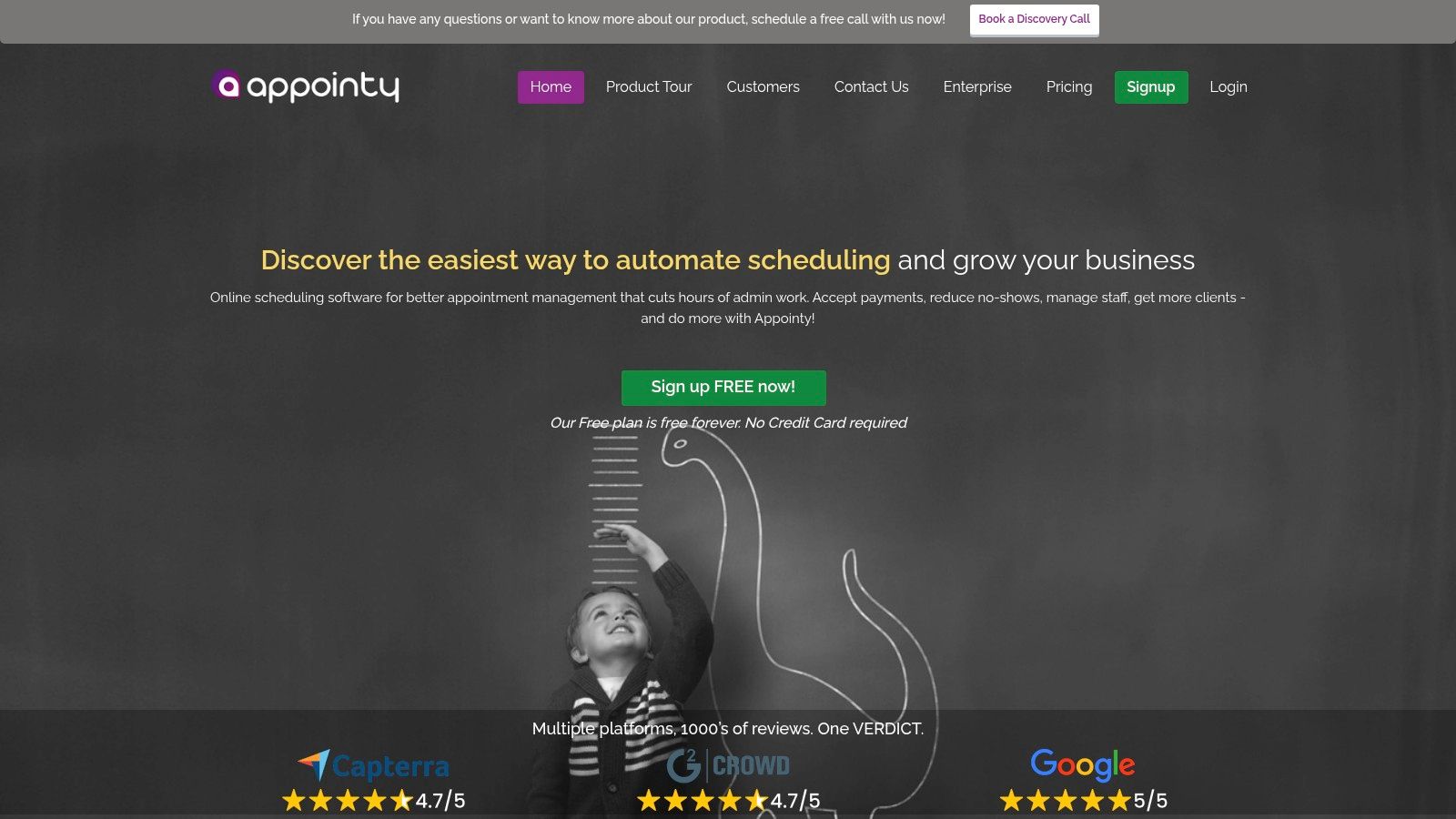
One of Appointy's key strengths lies in its comprehensive feature set. Imagine a customer support manager needing to schedule callbacks across different teams. Appointy's resource management feature allows them to allocate specific agents based on their expertise and availability, ensuring efficient ticket resolution. Similarly, a hospitality professional can use the software to manage bookings for spa treatments, restaurant reservations, or hotel rooms, optimizing resource allocation and minimizing double-bookings. Real estate agents can leverage the 24/7 online booking system to allow clients to self-schedule property viewings, saving valuable time and increasing convenience.
Appointy's integrated point-of-sale system further enhances its functionality. For businesses like salons or retail stores, this feature allows them to process payments directly within the appointment scheduling workflow, simplifying operations and improving the customer experience. The software also integrates with social media platforms like Facebook, enabling businesses to accept bookings directly through their Facebook page. This is particularly useful for businesses with a strong social media presence, making scheduling even more accessible for their clients. Robust business analytics and reporting tools provide valuable insights into booking trends, popular services, and overall business performance, helping businesses make data-driven decisions.
While Appointy offers a wealth of features, the user interface could be more intuitive compared to some top competitors. The setup process might also require some time investment, especially for larger businesses with complex scheduling needs. The mobile app experience, while functional, has room for improvement in terms of user-friendliness and design.
Pros:
- Comprehensive feature set suitable for various business types
- Strong resource management capabilities for rooms, equipment, and staff
- Excellent group booking functionality for classes, workshops, and events
- Flexible recurring appointment options
Cons:
- User interface could be more intuitive
- Mobile app experience could be improved
- Setup process can be time-consuming
Website: https://www.appointy.com/
(Pricing and technical requirements not readily available on the main website. Recommend visiting the website for detailed information.)
Appointy earns its place on this list due to its versatility and industry-specific solutions. While the user interface and mobile app could benefit from refinement, its powerful features, including resource management, integrated POS, and social media integration, make it a strong contender in the appointment scheduling software landscape. For businesses looking for a comprehensive solution with a focus on industry-specific needs, Appointy deserves serious consideration. An implementation tip: take advantage of Appointy's support resources and documentation during the initial setup process to familiarize yourself with the platform and maximize its potential. Compared to similar tools like Calendly or Acuity Scheduling, Appointy offers more advanced resource management and group booking features, making it a suitable choice for businesses with complex scheduling requirements.
6. Setmore: Streamlined Appointment Scheduling for Simplicity Seekers
If you're seeking an appointment scheduling software that's refreshingly straightforward and won't overwhelm you with complex features, Setmore might be your perfect match. Designed with small businesses and individual professionals in mind, Setmore shines with its clean interface and intuitive setup process, making it an excellent choice for those who value simplicity and efficiency. Whether you're a customer support manager streamlining support calls, a hospitality professional managing restaurant reservations, a real estate agent coordinating property viewings, or a healthcare provider booking patient appointments, Setmore allows you to get your scheduling up and running quickly without a steep learning curve. This user-friendly approach makes it a valuable tool for even busy CEOs and CTOs who need quick and easy access to their team’s availability.
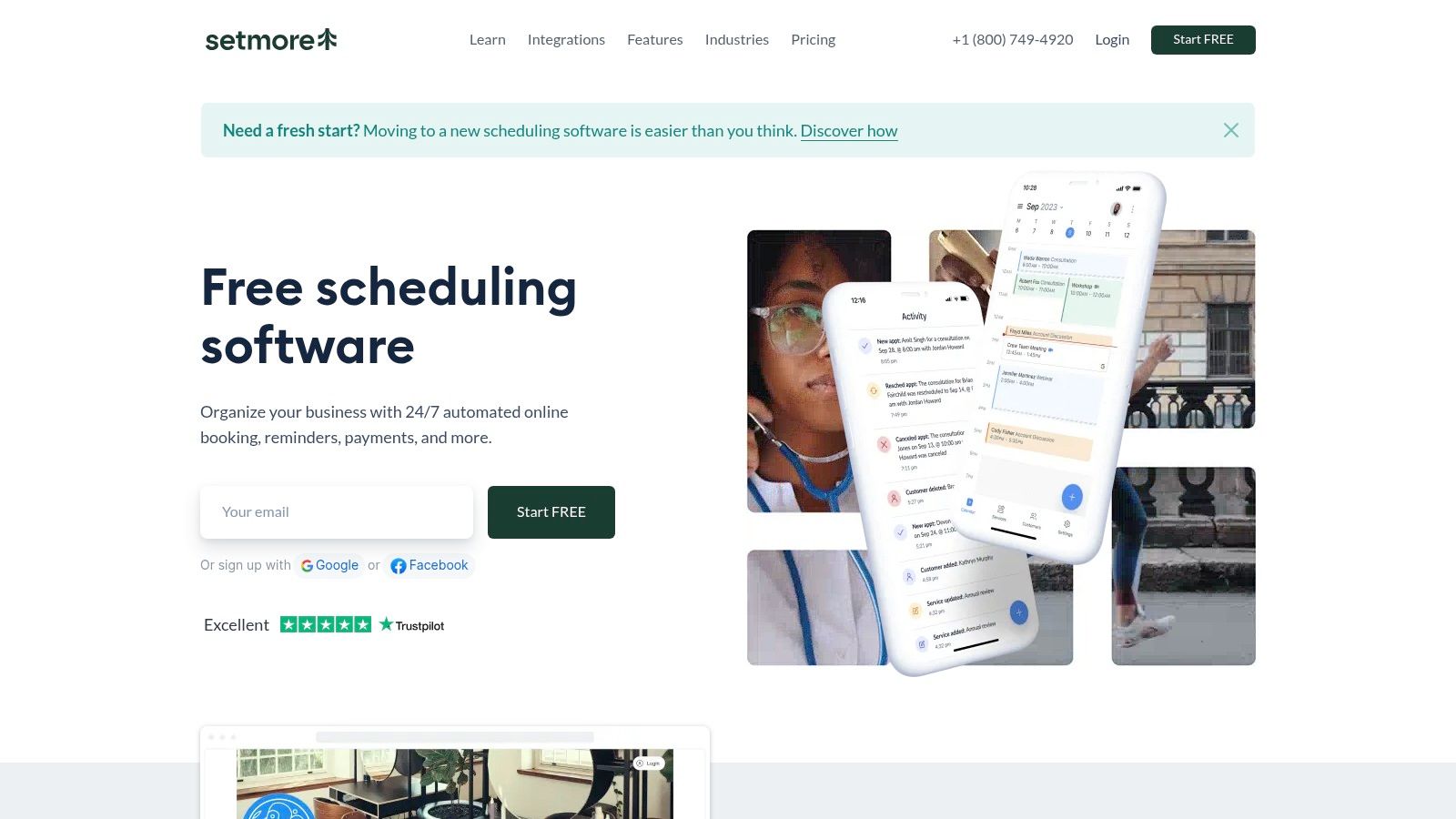
One of Setmore's standout features is its generous free plan. Unlike many appointment scheduling software options that limit appointments on their free tiers, Setmore allows for unlimited appointments, making it a particularly attractive option for businesses just starting or those with tight budgets. This combined with its easy setup – requiring minimal technical expertise – ensures even enterprise IT managers will appreciate its swift deployment across a team. The platform strikes a good balance between simplicity and essential functionality. You get the core features you need – a customer self-booking portal, automated email reminders, and staff calendar management – without being bogged down by unnecessary bells and whistles. For businesses that rely on video conferencing, the Teleport video integration facilitates seamless telehealth appointments. This makes it especially useful for healthcare providers and other professionals offering virtual consultations.
Setmore also boasts strong integration with various social platforms, allowing you to seamlessly embed booking links on your Facebook, Instagram, and other social media pages. This feature is a game-changer for businesses looking to convert social media traffic into appointments. Imagine a potential client browsing your Instagram page and being able to book an appointment directly through a link in your bio—Setmore makes this effortless.
While Setmore excels in simplicity and ease of use, it does have some limitations. Customization options are less extensive than some competitors, which might be a drawback for businesses requiring highly tailored scheduling solutions. SMS notifications are a premium feature, which could be an added cost for businesses relying heavily on text communication. And while it offers the core scheduling tools, businesses with complex scheduling needs might find the advanced features lacking. For example, functionalities like automated waitlists, complex recurring appointments, or intricate resource management are not as robust as in some other scheduling platforms.
Setmore offers tiered subscription plans to cater to different needs. While the free plan provides a great starting point with unlimited appointments, premium plans unlock additional features like SMS reminders, custom branding, and more. For specific pricing details, it's best to consult their website. Technical requirements are minimal, with Setmore being accessible through most modern web browsers and mobile devices.
Overall, Setmore earns its place on this list for its impressive free tier, intuitive interface, and focus on essential features. If you prioritize ease of use and are looking for a no-frills yet effective appointment scheduling solution, Setmore is definitely worth considering. Visit https://www.setmore.com/ to explore their offerings and see if it fits your needs.
7. Square Appointments
Square Appointments offers a streamlined approach to appointment scheduling, neatly integrated within the larger Square ecosystem. This makes it a particularly compelling option for businesses already leveraging Square for payment processing and point-of-sale (POS) functionality. Imagine a hair salon using Square to ring up customers and manage inventory. With Square Appointments, they can seamlessly integrate appointment booking into the same platform, creating a unified experience for both staff and clients. This all-in-one approach simplifies operations and reduces the need to juggle multiple software solutions. It's ideal for businesses like salons, barbershops, spas, retail stores offering consultations or services, and other businesses already within the Square ecosystem.
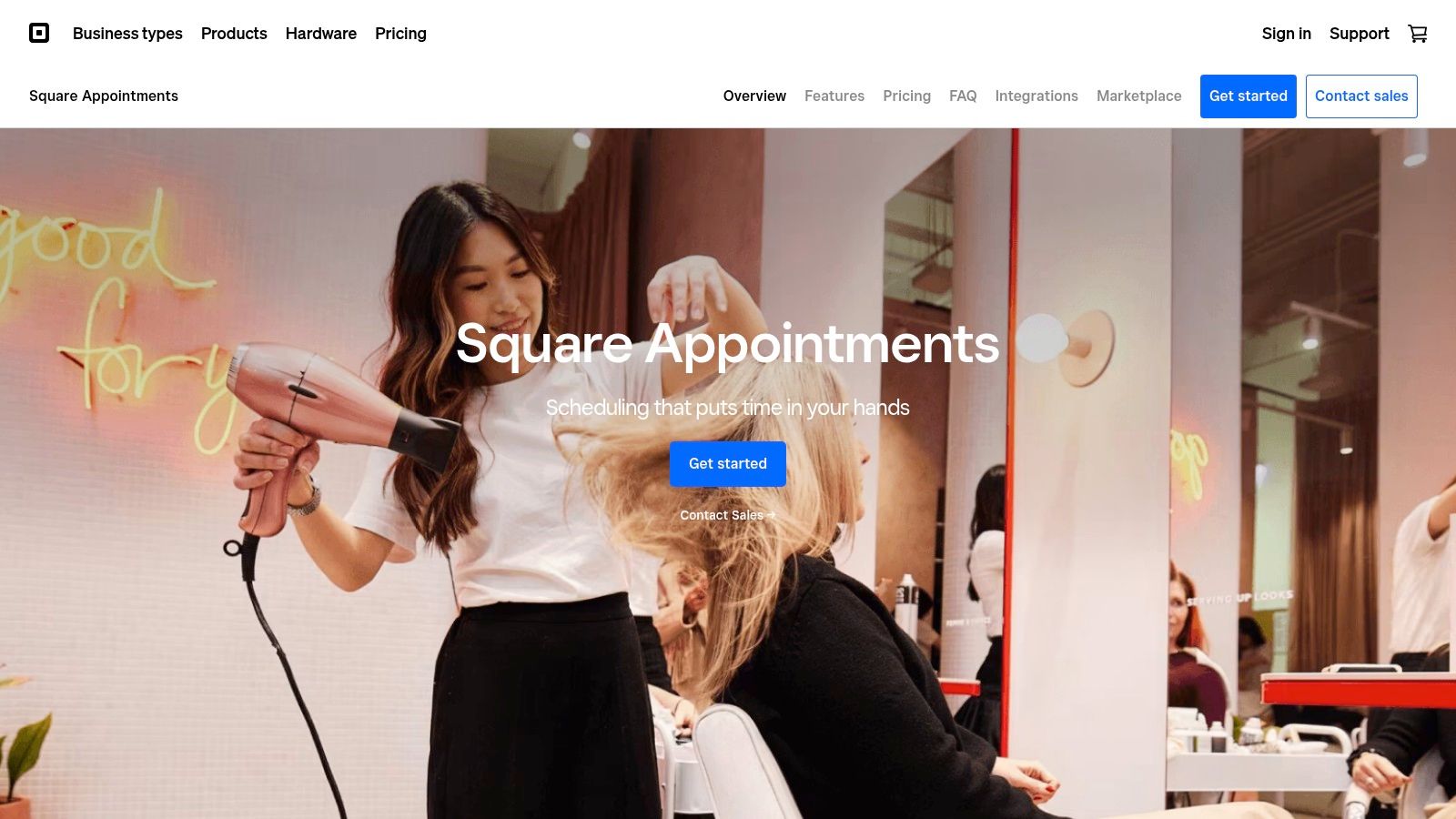
Square Appointments earns its place on this list due to its tight integration with Square's existing suite of tools, simplifying operations for businesses already invested in the Square platform. This integration eliminates the need for complex third-party integrations and data syncing, allowing for a more streamlined workflow. For example, a real estate agent using Square can schedule showing appointments and immediately process deposits or fees all within the same system. This simplified workflow makes Square Appointments a practical choice for busy professionals.
Key features include integrated payment processing, allowing clients to pay directly through the booking platform, and robust inventory management capabilities. This is invaluable for businesses selling products alongside services. The no-show protection feature, utilizing card-on-file, helps mitigate revenue loss, while team management with commission tracking simplifies payroll for businesses with multiple employees. From a hospitality perspective, think of a hotel spa that can manage bookings, process payments, track inventory of products used for treatments, and manage employee commissions, all in one place. This streamlined approach offers tangible efficiency gains.
For individual users, Square Appointments is free, making it an attractive option for solopreneurs or small businesses just starting. Paid plans are available for teams, with pricing based on the number of staff members. Technical requirements are minimal, primarily requiring internet access and a device to access the platform, either desktop or mobile. While Square Appointments might not be as feature-rich as dedicated scheduling platforms like Acuity Scheduling or Calendly in terms of customization and third-party integrations, it offers a compelling value proposition for businesses already within the Square ecosystem. The trade-off for the seamless integration and all-in-one approach is potentially higher transaction fees compared to dedicated payment processors like Stripe, and fewer integration options outside of the Square ecosystem.
Setting up Square Appointments is straightforward. Simply create a Square account (if you don't already have one), navigate to the Appointments section, and follow the guided setup process. You can customize your booking page, set your availability, and integrate your existing Square payment information. A key implementation tip is to leverage the customer directory feature to build a client database and personalize communication.
Square Appointments is a practical appointment scheduling software solution particularly valuable for businesses already utilizing Square's payment processing and POS system. While it has some limitations compared to standalone scheduling tools, the seamless integration and all-in-one nature make it a powerful tool for streamlining operations, especially for retail and service-based businesses. You can explore Square Appointments and its features further on their website: https://squareup.com/us/en/appointments
8. Doodle
Wrestling with scheduling meetings across multiple teams or clients? Doodle offers a refreshing alternative to traditional appointment scheduling software by focusing on collaborative decision-making. Instead of juggling individual availabilities, Doodle lets you create polls where participants can vote on their preferred meeting times. This democratic approach simplifies the often tedious process of finding a slot that works for everyone, making Doodle ideal for coordinating meetings, events, and activities with multiple participants, a crucial need for busy professionals like customer support managers, hospitality professionals, real estate agents, healthcare providers, and even enterprise IT managers. Whether you're a business owner, CEO, or CTO, streamlining scheduling is a key component of efficient operations. If you're tired of the endless back-and-forth emails, Doodle could be your solution.
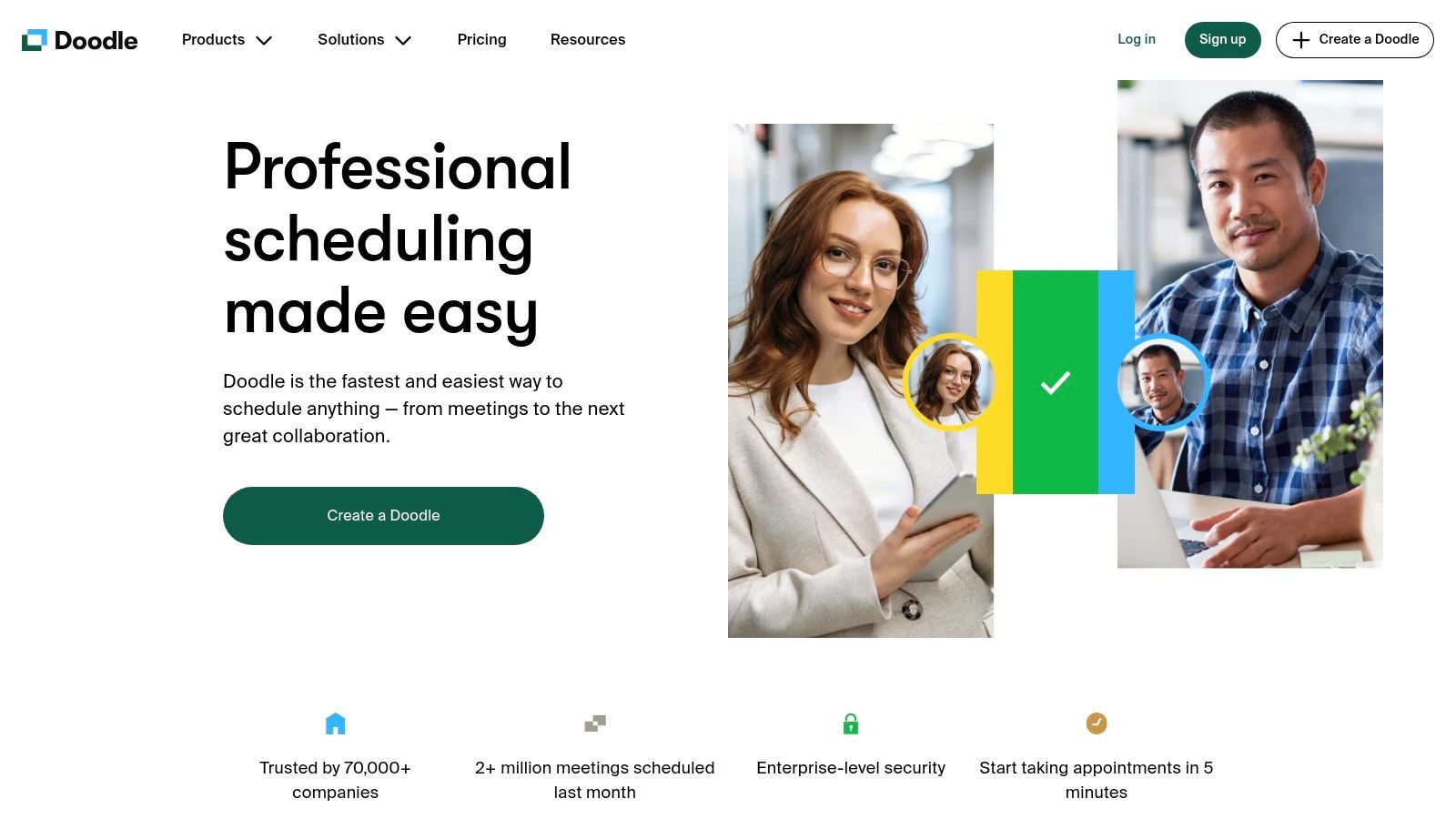
Doodle’s strength lies in its simplicity and ease of use. Its intuitive interface makes poll creation quick and painless. A key advantage is that participants don't need a Doodle account to respond to polls, removing a common barrier in scheduling tools. This accessibility makes it perfect for coordinating with external clients or partners. You can even set deadlines for responses, ensuring timely feedback. While primarily designed for group scheduling, Doodle also offers 1:1 meeting scheduling with its Bookable Calendar feature, providing a more traditional scheduling experience for individual appointments. Furthermore, Doodle integrates with popular calendar applications like Google Calendar and Outlook, allowing participants to easily compare the proposed meeting times with their existing schedules. You can learn more about Doodle and its features to see if it's the right fit for your needs.
Doodle offers both free and premium plans. The free version, while functional, includes advertisements and limits access to some features like ad-free private polls. Premium plans unlock additional functionality and remove advertisements, providing a more streamlined experience. For specific pricing details, it's best to check the Doodle website directly. Technical requirements are minimal, as Doodle is primarily a web-based application accessible from any modern browser. This makes it a flexible solution for teams working across different platforms.
While Doodle excels at group scheduling, it's important to acknowledge its limitations. It's less suited for managing recurring appointments, a task better handled by appointment scheduling software with more robust calendar management features. Additionally, compared to full-service scheduling tools, Doodle's feature set is more focused. Tools like Calendly or Acuity Scheduling offer more advanced features like automated reminders, payment integrations, and customizable booking pages. However, if your primary need is simplifying group scheduling, Doodle's focused approach and ease of use make it a valuable addition to your toolkit, earning it a well-deserved place on this list of appointment scheduling software. Its democratic approach to finding the best meeting time, combined with its intuitive interface and broad accessibility, makes it a powerful tool for coordinating schedules efficiently.
9. 10to8: Conquer No-Shows with Automated Communication
Are you tired of clients missing appointments? 10to8 is an appointment scheduling software laser-focused on minimizing no-shows through robust, automated communication. This cloud-based platform caters to businesses of all sizes, from solo entrepreneurs to large enterprises, making it a versatile option for various sectors, particularly healthcare and professional services. 10to8 prioritizes keeping clients engaged and informed, significantly reducing the likelihood of missed appointments and the associated revenue loss. It earns its spot on this list due to its powerful communication features, security compliance, and generous free plan, making it an attractive option for businesses looking to streamline their scheduling process.
Imagine this: a customer books an appointment with you. 10to8 automatically sends a confirmation message via their preferred channel – be it email, SMS, or even a voice reminder. As the appointment nears, automated reminders go out, prompting the client and minimizing the chance they'll forget. Furthermore, two-way chat functionality allows clients to easily communicate with you, reschedule if needed, or ask clarifying questions. This proactive communication is 10to8's core strength, setting it apart from other appointment scheduling software.
For healthcare providers, HIPAA compliance is crucial, and 10to8 delivers. This ensures sensitive patient data is handled securely and adheres to industry regulations. Other valuable features include online payment collection, simplifying the payment process for both you and your clients, and a comprehensive reporting and analytics dashboard to track key metrics and optimize your scheduling strategy.
While 10to8 offers a robust suite of tools, the interface could be considered less modern than some competitors. This might take some getting used to, especially for those accustomed to sleek, minimalist designs. Additionally, while a generous free plan allows for up to 100 appointments per month, SMS credits cost extra, even on paid plans. This is a factor to consider for businesses relying heavily on SMS communication. Finally, the initial setup can be slightly complex, potentially requiring some time and effort to configure everything perfectly.
Key Features and Benefits:
- Automated Communication: Minimize no-shows with multi-channel reminders (SMS, email, voice).
- Two-Way Chat: Facilitate seamless communication between businesses and clients.
- HIPAA Compliance: Securely manage sensitive patient data for healthcare providers.
- Online Payments: Streamline the payment process with integrated payment collection.
- Reporting & Analytics: Track key performance indicators and optimize scheduling strategies.
Pros:
- Excellent client communication features, proven to reduce no-shows.
- Generous free plan (up to 100 appointments monthly).
- Strong security and compliance features, including HIPAA.
Cons:
- Interface may feel less modern than competitors.
- SMS credits incur extra costs, even on paid plans.
- Initial setup can be complex.
Pricing: 10to8 offers a free forever plan. Paid plans start at $9.60 per month and scale depending on the number of appointments and features needed.
Technical Requirements: As a cloud-based solution, 10to8 is accessible via any modern web browser and offers mobile apps for both iOS and Android devices.
Implementation Tips:
- Take advantage of the free trial to explore the platform and its features.
- Carefully configure your notification settings to ensure optimal communication with clients.
- Customize your booking page to reflect your brand and provide relevant information.
10to8 stands out as a powerful appointment scheduling software specifically designed to tackle the pervasive problem of no-shows. Its focus on communication, coupled with essential features like online payments and HIPAA compliance, makes it a valuable tool for a broad range of businesses. If minimizing no-shows and enhancing client communication is your priority, 10to8 is definitely worth considering. Check it out at https://10to8.com/.
10. Picktime
If you're a small to medium-sized business owner searching for a completely free appointment scheduling software, Picktime might be your perfect match. Unlike many freemium platforms that restrict key features behind a paywall, Picktime offers a robust set of tools entirely free of charge, making it a compelling choice for budget-conscious businesses. This positions it as an excellent entry point into the world of automated scheduling, allowing you to streamline your appointments without any financial commitment.
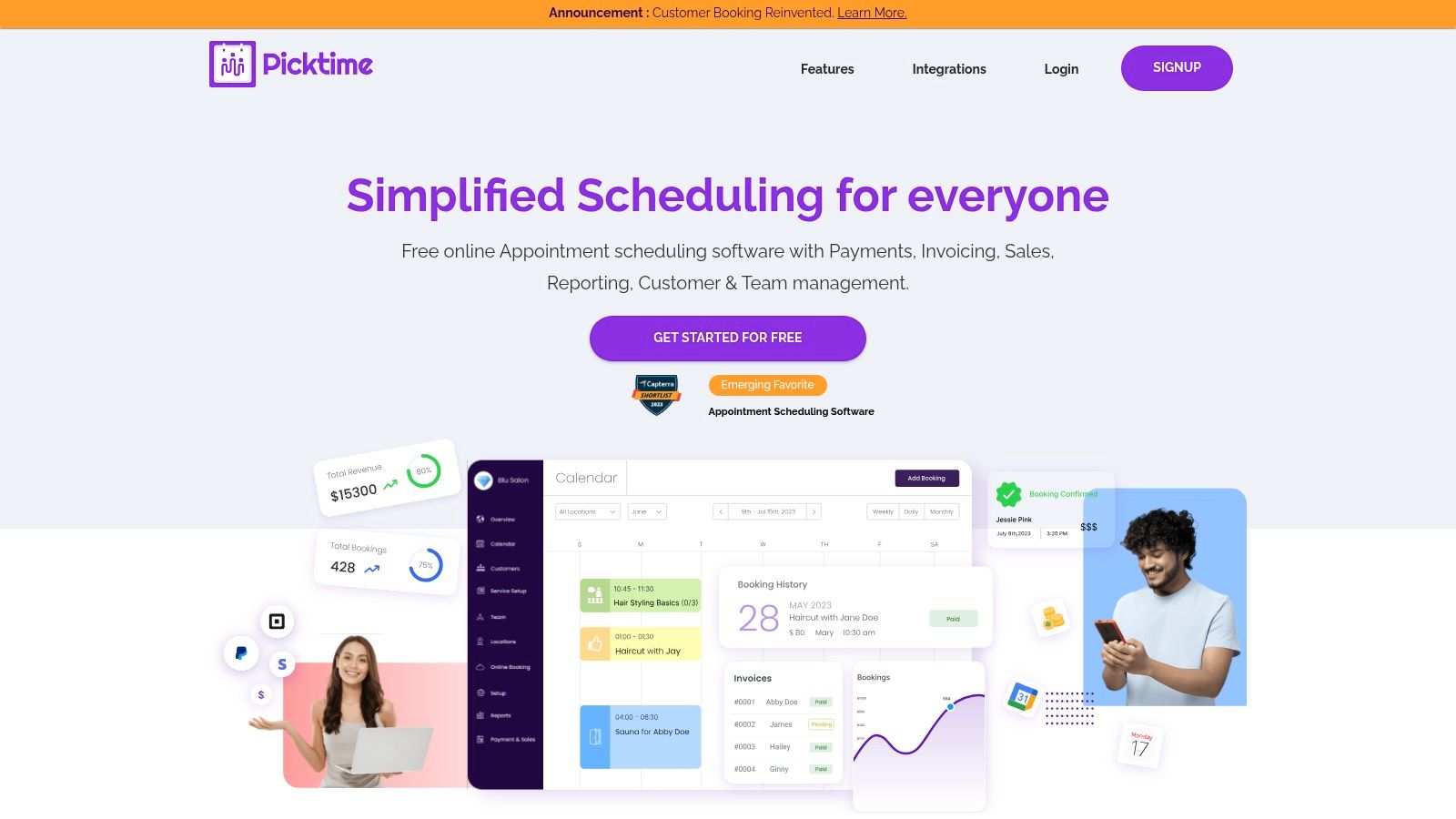
Picktime earns its place on this list due to its commitment to a fully free model, combined with a surprisingly comprehensive feature set. Imagine, as a customer support manager, being able to easily schedule customer calls without worrying about software costs. Or, as a real estate agent, effortlessly managing property viewings and client meetings with a free yet efficient tool. Healthcare providers can leverage Picktime to manage patient appointments, while hospitality professionals can optimize bookings and reservations. Even busy CEOs and CTOs can benefit from Picktime's straightforward scheduling capabilities for internal meetings and consultations.
This appointment scheduling software shines with its simplicity. It offers a straightforward interface for managing multiple staff members, services, and client information within a centralized database. Automated email and SMS reminders help reduce no-shows and keep clients informed, significantly improving operational efficiency. Furthermore, the ability to sync with Google and Outlook calendars ensures seamless integration with existing workflows, a boon for enterprise IT managers looking to minimize disruption during implementation. Setting up Picktime is remarkably easy; no payment details are required, and the intuitive interface makes it quick to learn and deploy across your team.
While Picktime's free model is its biggest strength, it also leads to certain limitations. Compared to premium appointment scheduling software options, customization options are limited, and the number of integrations with other business tools is smaller. While the basic feature set is robust enough for most small businesses, it might not be sufficient for organizations with complex scheduling needs, like those requiring advanced resource allocation or intricate booking dependencies. Similarly, while support is available, response times might not be as fast as those offered by paid services.
Key Features:
- Completely free with no premium tiers
- Multiple staff and service management
- Client management database
- Email and SMS reminders
- Calendar syncing with Google and Outlook
Pros:
- Completely free for unlimited bookings
- Simple, easy-to-use interface
- Good basic feature set for small businesses
- No payment details required to use the full platform
Cons:
- Limited customization options
- Fewer integrations than premium competitors
- Less robust for complex scheduling needs
- Support may be less responsive than paid services
Website: https://www.picktime.com/
In conclusion, Picktime stands out as a valuable free appointment scheduling software solution. Its ease of use, essential features, and zero cost make it an ideal starting point for small to medium-sized businesses exploring appointment scheduling software. While it might not offer the extensive features and integrations of premium alternatives, its fully free model and streamlined interface make it a powerful tool for businesses focused on simplicity and affordability.
Appointment Scheduling: Top 10 Tools Comparison
| Platform | Core Features ✨ | User Experience ★ | Value Proposition 💰 | Target Audience 👥 |
|---|---|---|---|---|
| 🏆 Voicetta | 24/7 AI calls & chats; CRM/PMS/ERP integration | ⭐⭐⭐⭐ | 35% conversion boost; 300% ROI; 60% workload reduction | Hospitality, Real Estate, Healthcare, IT |
| Calendly | Calendar integrations; automated scheduling; round-robin for teams | ⭐⭐⭐⭐ | Robust free tier; seamless meeting setup | Individuals, Teams, Enterprises |
| Acuity Scheduling | Self-scheduling; payment processing; recurring bookings | ⭐⭐⭐⭐ | Highly customizable; detailed reporting | Service-based businesses |
| SimplyBook.me | Custom booking site; membership system; multi-location support | ⭐⭐⭐⭐ | Extensive customization; rich marketing add-ons | Service-based businesses |
| Appointy | 24/7 online booking; resource management; social media integration | ⭐⭐⭐ | Comprehensive feature set; flexible group bookings | Various business types |
| Setmore | Unlimited bookings; self-booking portal; email reminders | ⭐⭐⭐⭐ | Generous free tier; simple, clean setup | Small businesses, Professionals |
| Square Appointments | Integrated payment & POS; inventory & team management | ⭐⭐⭐ | All-in-one solution; free for individual users | Retail, Service businesses, Square users |
| Doodle | Poll-based scheduling; calendar integrations; deadline settings | ⭐⭐⭐ | Ideal for group coordination; simple interface | Teams, Groups, Event planners |
| 10to8 | Two-way chat; multi-channel (SMS/email/voice) reminders; HIPAA compliant | ⭐⭐⭐ | Reduces no-shows; secure and compliant; generous free plan | Healthcare, Professionals, Enterprises |
| Picktime | Free scheduling; staff management; calendar syncing | ⭐⭐⭐ | Completely free; unlimited bookings | Small to Medium Businesses |
Ready to Simplify Your Scheduling?
Choosing the right appointment scheduling software can dramatically transform how you manage your time and interact with clients. From streamlining bookings for customer support managers and healthcare providers, to optimizing real estate showings and hospitality reservations, the right tool empowers you to focus on what truly matters – delivering exceptional service and growing your business. We've explored ten diverse solutions, each with its strengths, from the simplicity of Calendly and Acuity Scheduling to the robust features of 10to8 and SimplyBook.me. Remember, the most effective appointment scheduling software is the one that best aligns with your specific needs.
Consider factors such as the size of your team, the complexity of your scheduling requirements, necessary integrations with existing CRM or enterprise IT systems, and of course, your budget. Whether you're a CEO looking for an enterprise-grade solution or a small business owner seeking a free and easy-to-use tool like Appointy or Setmore, exploring free trials and demos is crucial. Take advantage of these opportunities to test the software in a real-world scenario and see how it integrates with your existing workflow. Proper implementation is key – ensure your staff is adequately trained and that your clients understand the new booking process.
By implementing the insights from this article and carefully evaluating your options, you can move beyond the chaos of manual scheduling and embrace a smoother, more efficient way of working. Want to explore an innovative approach to streamlined communication and scheduling? Discover how Voicetta can enhance your client interactions and optimize appointment management by visiting Voicetta today. Voicetta offers powerful tools to help you connect with clients and manage your schedule seamlessly, boosting productivity and client satisfaction.