
Blog
Top Medical Appointment Scheduling Software of 2025
Overwhelmed by scheduling patients, managing staff, and handling administrative work? This listicle showcases the top 8 medical appointment scheduling software soluti...
Why Great Scheduling Software Matters for Modern Healthcare
Overwhelmed by scheduling patients, managing staff, and handling administrative work? This listicle showcases the top 8 medical appointment scheduling software solutions to streamline your practice. Discover how these tools can automate appointments, minimize no-shows, and improve patient communication, freeing you to focus on providing exceptional care. We'll explore the key features of Voicetta, Zocdoc, Acuity Scheduling, Practice Fusion, Calendly, athenahealth, SimplePractice, and DrChrono, helping you find the perfect medical appointment scheduling software to optimize your workflow.
1. Voicetta
Imagine a world where your medical practice never misses a patient call, scheduling inquiries are handled seamlessly around the clock, and your administrative staff is freed from the constant barrage of routine phone calls. Voicetta, an AI-powered communication platform, promises just that. It offers a cutting-edge solution for optimizing appointment scheduling and patient communication, allowing your practice to operate with greater efficiency and improve patient satisfaction. Voicetta goes beyond simple automated responses; it engages in intelligent, natural-sounding conversations, qualifying leads, scheduling appointments, and answering routine inquiries with remarkable accuracy. This translates to less time spent on administrative tasks and more time dedicated to patient care.
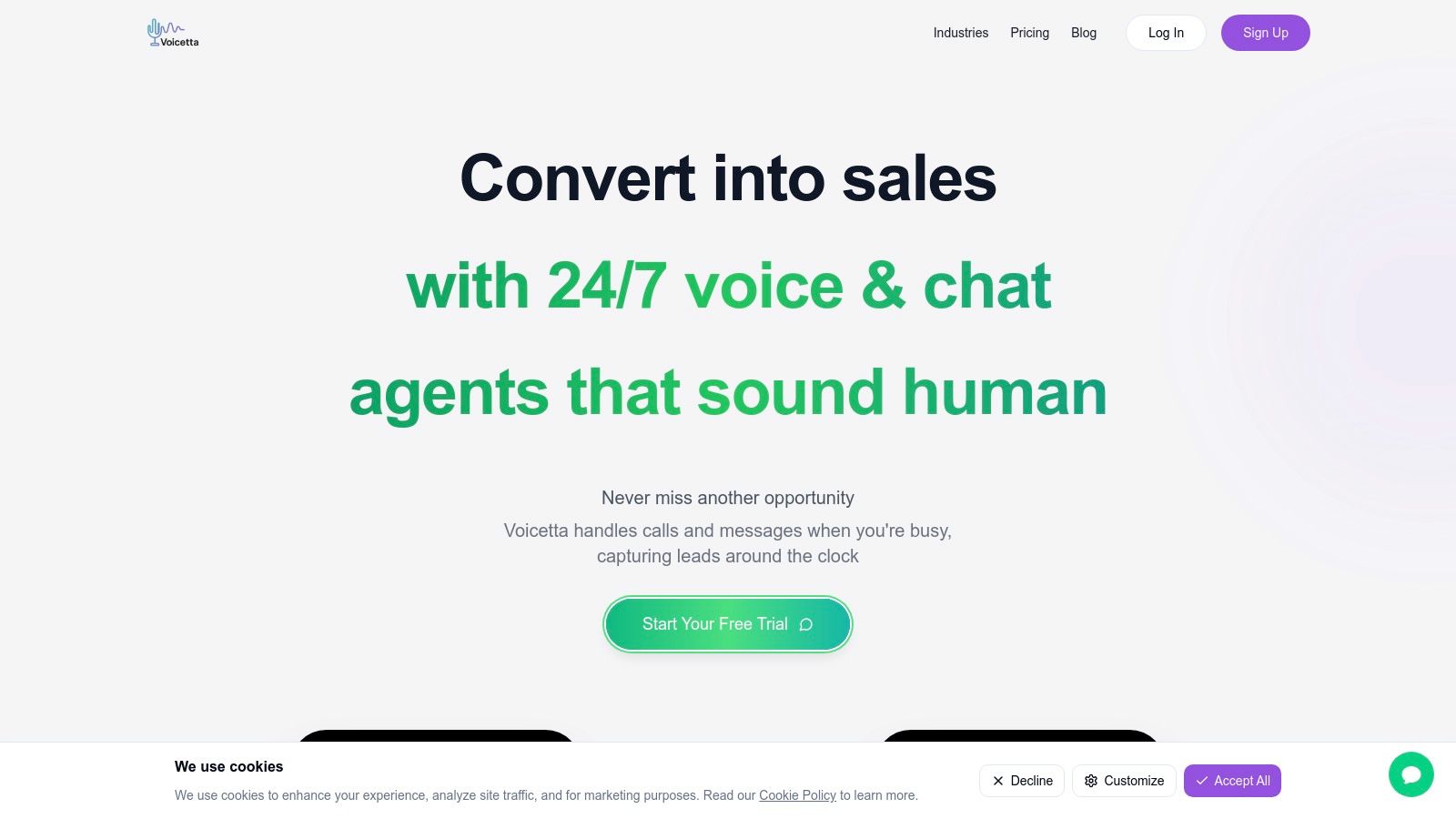
Specifically designed for businesses across various industries, including healthcare, Voicetta's robust, adaptive architecture seamlessly integrates with existing enterprise systems like CRM, PMS, and ERP. This interoperability ensures smooth data flow and prevents information silos. For a busy medical practice, this means streamlined appointment scheduling, reduced patient wait times, and improved communication between staff and patients. Think of it as having a highly efficient, 24/7 virtual receptionist who never gets tired or misses a detail. This allows your human staff to focus on more complex patient needs and higher-value tasks, ultimately enhancing the overall patient experience. Learn more about Voicetta and its potential applications for your specific needs.
While the upfront investment for Voicetta is not publicly available and requires a direct consultation for pricing, its potential for long-term cost savings through increased efficiency and reduced administrative overhead makes it a worthy contender in the medical appointment scheduling software landscape. Implementation might involve some initial integration effort and staff training to harness the platform's full potential, but the promise of streamlined workflows, improved patient communication, and increased revenue through captured opportunities makes it an attractive option for forward-thinking medical practices.
Pros:
- 24/7 Availability: Ensures no patient communication is missed, improving accessibility and patient satisfaction.
- Seamless Integration: Connects with existing CRM, PMS, and ERP systems for streamlined workflows.
- Automation of Routine Tasks: Frees up staff to focus on more critical patient care responsibilities.
- Personalized Experiences: Continuously learns and adapts to deliver tailored patient interactions.
- Improved Efficiency: Proven to reduce response times, increase patient satisfaction, and boost conversion rates.
Cons:
- Pricing Opacity: Requires direct contact for quotes, making budget planning potentially challenging.
- Initial Setup and Training: May require upfront effort for integration and staff familiarization.
Website: https://voicetta.com
Voicetta earns its place on this list because it offers a unique blend of AI-powered communication and seamless integration with existing enterprise systems. Its ability to handle routine inquiries, schedule appointments 24/7, and learn from every interaction positions it as a valuable tool for medical practices striving for greater efficiency, improved patient engagement, and a competitive edge in today's dynamic healthcare market.
2. Zocdoc
Zocdoc stands out as a leading medical appointment scheduling software solution, particularly beneficial for practices looking to expand their patient base and streamline their administrative tasks. Its comprehensive online platform connects patients with healthcare providers seamlessly, offering a modern approach to booking appointments. Imagine a patient needing to find a dermatologist who accepts their insurance. With Zocdoc, they can simply filter by specialty, location, and insurance provider, browse verified reviews, and book an appointment that fits their schedule – all in a matter of minutes. This ease of access is a major draw for today's patients, who increasingly expect convenient digital solutions. For providers, Zocdoc offers a powerful tool to manage scheduling, optimize appointment availability, and reduce no-shows.
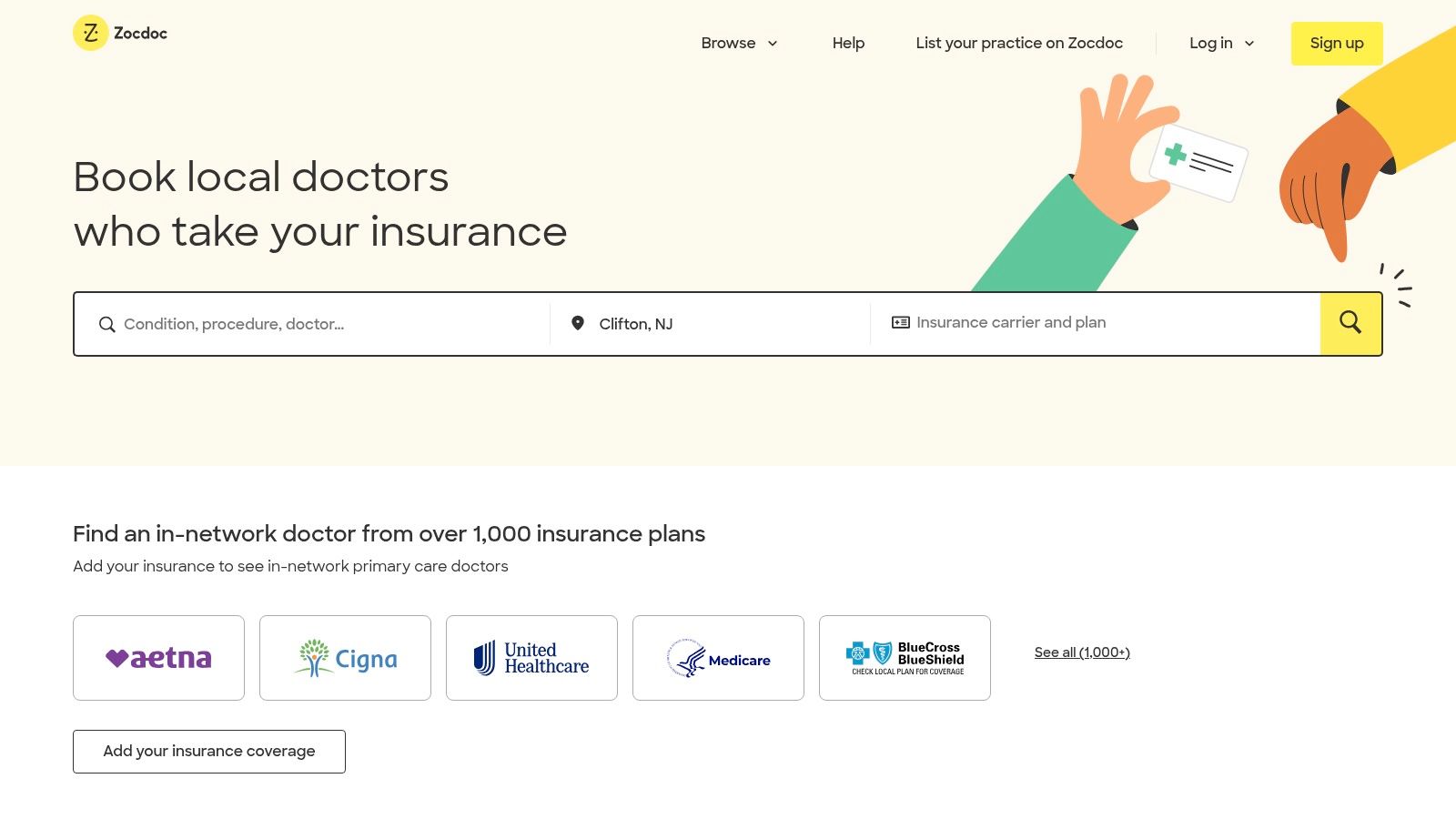
Zocdoc earns its place on this list due to its robust feature set, designed to benefit both patients and providers. Real-time insurance verification eliminates the back-and-forth between the office and insurance companies, saving valuable time and reducing billing errors. Automated appointment reminders via email and SMS help minimize no-shows, freeing up appointment slots and maximizing revenue. Digital intake forms streamline the patient check-in process, allowing patients to complete necessary paperwork before arriving at the office. Further enhancing its value proposition is the integration capability with most EMR/EHR systems, enabling a smooth flow of patient information between platforms.
For practices looking to grow, Zocdoc's extensive marketplace offers a valuable channel to attract new patients. This exposure, combined with the platform's comprehensive review system, can significantly boost a provider's online reputation and attract new patients. While Zocdoc doesn't publicly list pricing, it operates on a commission-based model. This means practices pay a fee for each new patient booked through the platform. While this can be expensive for high-volume practices, the increased patient acquisition often offsets the cost.
Pros:
- Extensive marketplace for new patient acquisition
- User-friendly interface for both patients and providers
- Automation of administrative tasks like appointment reminders and intake forms
- Comprehensive review system to enhance provider reputation
Cons:
- Higher cost compared to standalone scheduling solutions
- Commission-based pricing can be expensive for some practices
- Integration challenges with some EHR systems have been reported, though Zocdoc continually works on improving compatibility.
- Limited customization options may not fit all practice workflows.
Implementation Tips:
- Ensure your practice's specialty is in demand within the Zocdoc marketplace.
- Optimize your provider profile with accurate information and compelling photos.
- Actively manage your schedule and availability on the platform to maximize bookings.
- Encourage patients to leave reviews to build your online reputation.
Zocdoc is an excellent option for practices seeking a comprehensive solution for medical appointment scheduling, especially those looking to expand their reach and streamline operations. While the commission-based pricing may require careful consideration, the benefits of increased patient volume and reduced administrative burden often make it a worthwhile investment. You can explore Zocdoc and its features further on their website: https://www.zocdoc.com
3. Acuity Scheduling
Acuity Scheduling, now a part of Squarespace, stands out as a versatile cloud-based appointment scheduling software suitable for a wide range of businesses, including healthcare providers. Its strength lies in automating the scheduling process, empowering patients to view real-time availability and book appointments 24/7. This self-service feature not only offers convenience for patients but also frees up administrative staff to focus on other essential tasks. Beyond simple scheduling, Acuity offers integrated payment processing, crucial for minimizing no-shows and streamlining revenue cycles. Furthermore, recognizing the critical need for data privacy in healthcare, Acuity provides HIPAA compliance options, making it a viable option for medical practices. Its ability to integrate with other business tools further enhances its appeal, creating a seamless workflow within your existing systems.
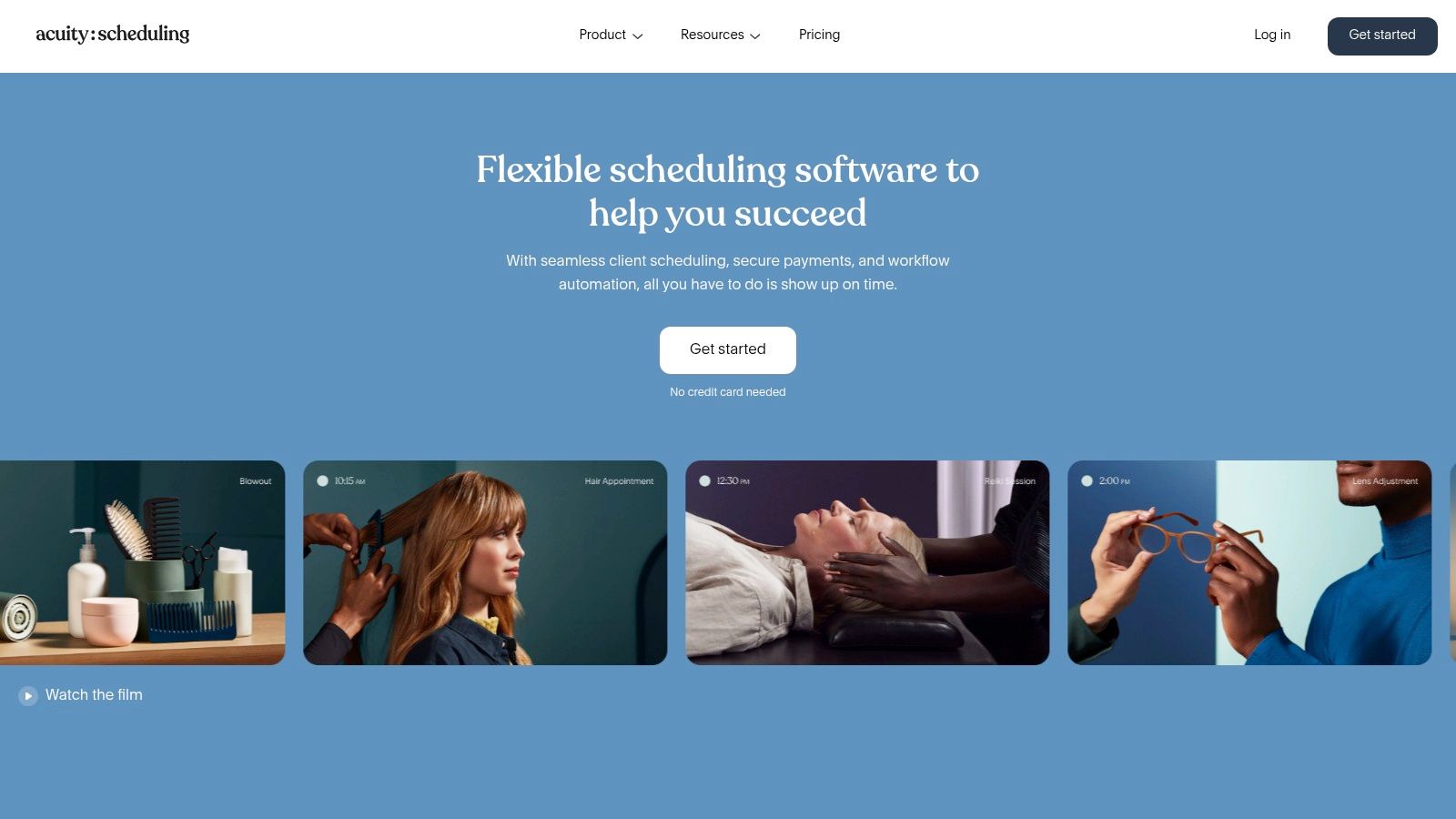
For a busy medical practice, Acuity Scheduling can be a game-changer. Imagine a scenario where patients can book follow-up appointments directly after a consultation, or reschedule appointments outside of office hours without needing to call and speak to a receptionist. This is precisely what Acuity facilitates. Customizable booking pages and forms allow you to tailor the patient intake process, gathering necessary information upfront. Automated email and text reminders reduce no-shows, ensuring a smoother and more efficient clinic flow. For practices managing multiple locations or practitioners, Acuity's calendar syncing feature with popular platforms like Google Calendar, Outlook, iCloud, and Office 365 keeps everyone coordinated.
While Acuity shines in its user-friendliness and automation capabilities, it's important to consider its limitations. Compared to dedicated healthcare-specific solutions, its patient management features might be less extensive. It doesn't offer a full-fledged Electronic Health Record (EHR) system, so practices relying on robust patient charting and medical history management may need to integrate Acuity with a separate EHR platform. Additionally, some of the advanced features, including certain HIPAA compliance options, require higher-tier subscriptions. While the platform advertises HIPAA-compliant communication options, it's crucial to carefully configure the settings and potentially consult with a compliance expert to ensure full adherence to HIPAA regulations within your specific practice.
Acuity Scheduling offers several pricing tiers to accommodate different needs and practice sizes. While specific pricing details can be found on their website (https://www.acuityscheduling.com), the tiered structure allows smaller practices to access essential features at an affordable rate while larger practices can opt for more advanced functionalities. As for technical requirements, being a cloud-based solution, Acuity is accessible through any web browser, eliminating the need for complex installations or dedicated hardware.
For businesses looking for a user-friendly, efficient, and relatively affordable medical appointment scheduling software, Acuity Scheduling is a strong contender. Its intuitive interface, automation capabilities, and integration options make it an excellent choice for streamlining operations. However, practices requiring advanced patient management features or seeking a complete EHR solution should consider supplementing Acuity with more specialized healthcare software.
4. Practice Fusion
Practice Fusion offers a robust, cloud-based solution that goes beyond simple medical appointment scheduling software. It's a fully integrated Electronic Health Record (EHR) and practice management system designed specifically for small to mid-sized medical practices looking to streamline their operations. This means that alongside efficient appointment management, you also gain access to clinical documentation, e-prescribing, lab integrations, and billing functionalities, all within a single platform. This interconnectedness allows for a seamless flow of information, directly linking appointment data to patient records, minimizing errors, and boosting overall efficiency. For busy healthcare providers juggling multiple responsibilities, Practice Fusion offers a centralized hub for patient management.
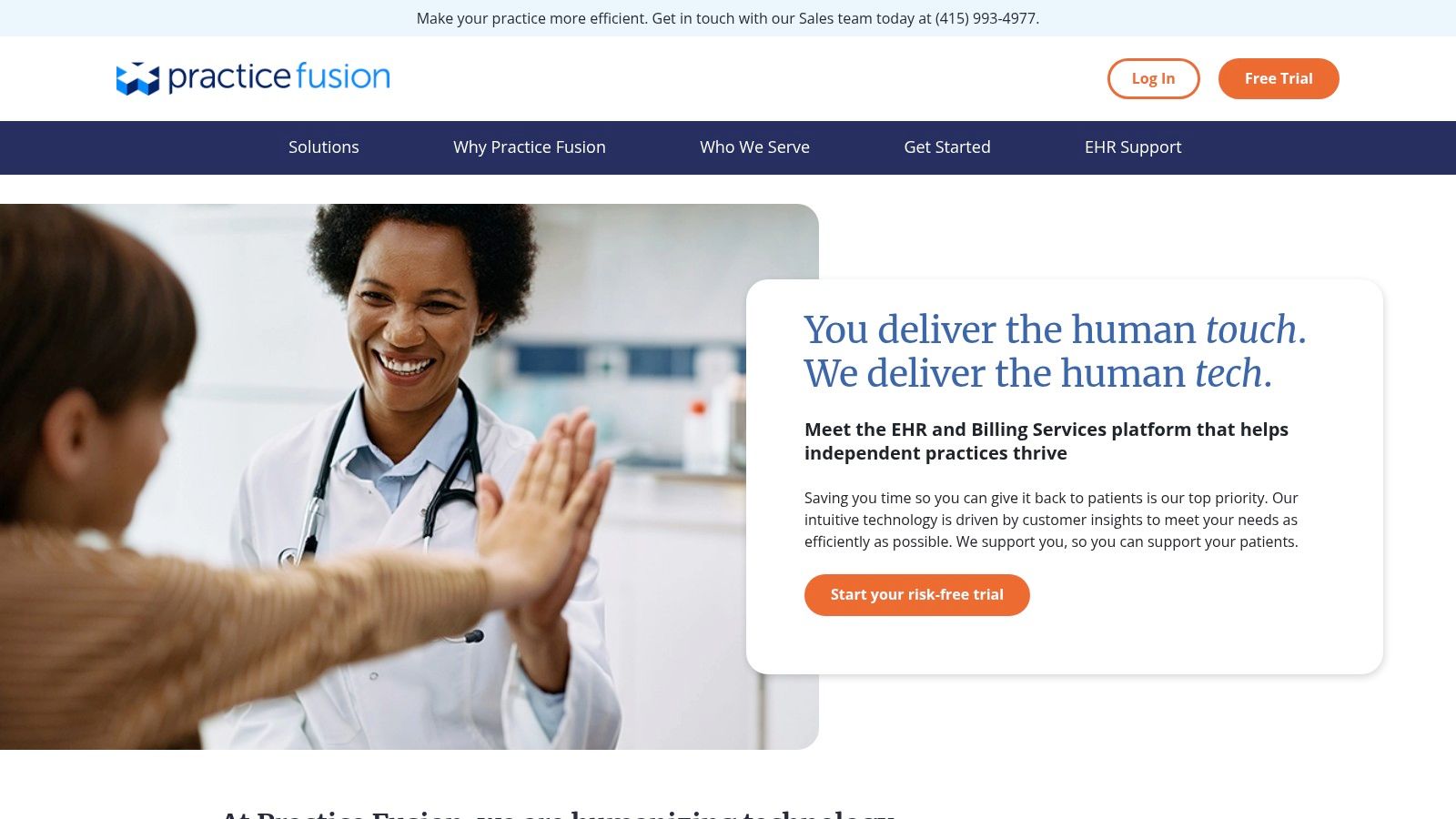
Practice Fusion earns its spot on this list due to its comprehensive approach to practice management. Its scheduling module is highly visual, featuring a color-coded appointment scheduling dashboard for at-a-glance overview of daily, weekly, and monthly schedules. The platform also automates time-consuming tasks like appointment reminders, reducing no-shows and improving patient engagement. Furthermore, the integrated patient portal empowers patients with self-scheduling capabilities, offering convenience and flexibility while freeing up staff time. Customizable appointment types and durations allow practices to tailor the system to their specific needs, accommodating everything from routine check-ups to specialized procedures.
For healthcare providers seeking an all-in-one solution, Practice Fusion’s integrated approach offers significant advantages. Imagine a scenario where a patient schedules an appointment online. That information automatically populates the schedule, links to the patient's EHR, and triggers an automated reminder. Upon arrival, the patient's information is readily accessible, allowing the physician to focus on providing care, not shuffling paperwork. This streamlined workflow translates to improved patient satisfaction and increased practice productivity.
Features:
- Integrated EHR and practice management system
- Color-coded appointment scheduling dashboard
- Automated appointment reminders
- Patient portal with self-scheduling capabilities
- Customizable appointment types and durations
- Strong reporting capabilities for appointment analytics
Pros:
- Comprehensive healthcare-specific solution beyond just scheduling
- HIPAA-compliant throughout all features
- Intuitive interface designed specifically for medical practices
Cons:
- More complex implementation compared to standalone scheduling tools
- Subscription-based pricing model (contact Practice Fusion for specific pricing details) can be expensive for smaller practices
- Some users report occasional system slowdowns during peak usage times
Implementation Tips:
- Dedicate sufficient time for staff training to maximize the platform's potential.
- Leverage Practice Fusion's support resources during the implementation phase.
- Customize the system to align with your specific practice workflows.
Comparison: While standalone medical appointment scheduling software options might offer simpler initial setup, they often lack the depth of integration and comprehensive features that Practice Fusion provides. If your practice is outgrowing basic scheduling tools and requires a more robust, integrated solution, Practice Fusion is worth considering.
Website: https://www.practicefusion.com
This powerful platform, though potentially a larger investment than standalone schedulers, offers a significant return in terms of streamlined workflows, improved patient engagement, and enhanced practice efficiency, making it a valuable tool for growing medical practices. For CEOs and CTOs of medical practices, Practice Fusion offers a scalable and HIPAA-compliant solution that can adapt to evolving needs.
5. Calendly: Streamlined Scheduling for Medical Practices
Finding the right medical appointment scheduling software can feel like a daunting task. You need a solution that's efficient, easy to use, and respects patient privacy. Calendly, a popular scheduling automation platform, offers a compelling option for medical practices seeking a straightforward and cost-effective way to manage appointments. While not exclusively built for healthcare, its HIPAA-compliant option caters specifically to the needs of medical professionals. This eliminates the endless back-and-forth emails and phone calls, allowing patients to book at their convenience based on your real-time availability.
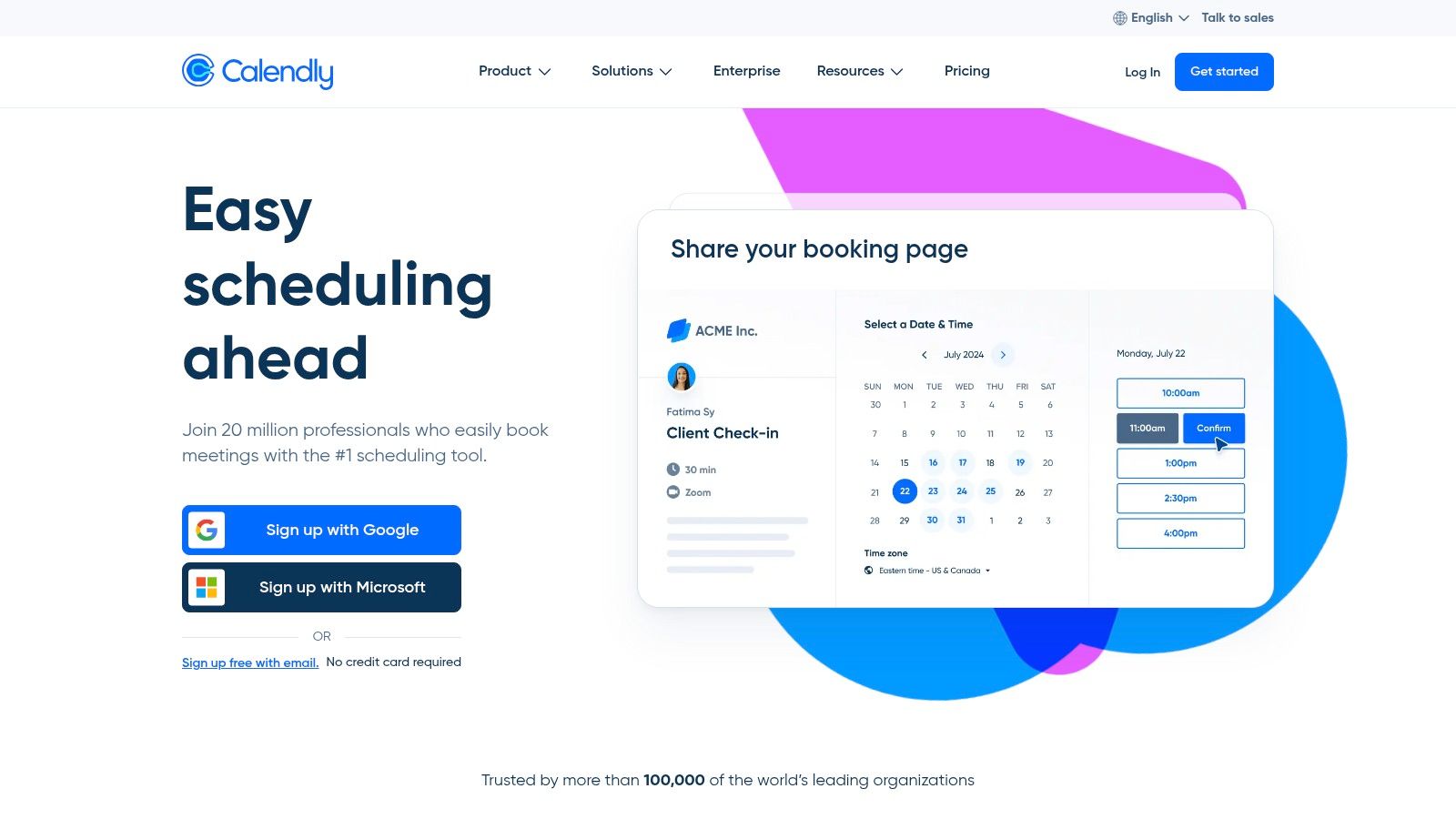
Imagine a scenario where a new patient needs to schedule an initial consultation. With Calendly, they simply visit a link you provide on your website, social media, or even in email communications. They see your up-to-the-minute availability and choose a time slot that works for them. The appointment is automatically added to your calendar, and both you and the patient receive confirmation and reminder emails. This streamlined process saves valuable time for both parties and significantly reduces the risk of no-shows.
Calendly’s strength lies in its simplicity and ease of use. Its intuitive interface makes it a breeze for both providers and patients to navigate. Features like customizable availability settings, buffer times between appointments, and team scheduling capabilities for multi-provider practices contribute to a more organized and efficient workflow. The seamless integration with popular calendar platforms such as Google Calendar, Outlook, Office 365, and iCloud Calendar ensures that double-booking becomes a thing of the past. For busy medical professionals juggling multiple responsibilities, this level of automation is invaluable.
Calendly offers several pricing tiers, and HIPAA compliance is available at their highest tier. While this may be a consideration for smaller practices, the cost-effectiveness of Calendly compared to dedicated healthcare-specific platforms often makes it an attractive choice. Implementation is quick and requires minimal training, allowing your practice to start benefiting from automated scheduling almost immediately.
However, it’s important to acknowledge that Calendly’s broader focus means it has some limitations in terms of healthcare-specific features. It offers fewer patient management capabilities beyond scheduling compared to some dedicated medical solutions. Additionally, the customization options for complex medical scheduling scenarios might be insufficient for some specialized practices. For practices needing advanced features like insurance verification or integrated patient charting, a more specialized solution might be a better fit.
Key Features:
- Customizable availability settings
- Integration with Google, Outlook, Office 365, and iCloud calendars
- Automated confirmation and reminder emails
- Buffer times between appointments
- Team scheduling capabilities
Pros:
- Extremely user-friendly interface
- Cost-effective compared to dedicated healthcare platforms
- Seamless calendar integrations reduce double-booking
- Quick implementation and minimal training
Cons:
- Limited healthcare-specific features
- HIPAA compliance requires the highest pricing tier
- Fewer patient management capabilities
- Limited customization for complex medical scheduling
For medical practices seeking a user-friendly and affordable solution to streamline appointment scheduling, Calendly deserves serious consideration. While it may not offer the comprehensive features of dedicated medical software, its core functionality, ease of use, and seamless integrations make it a valuable tool for improving efficiency and patient experience. Visit Calendly to learn more.
6. athenahealth
athenahealth stands out as a leading contender in the medical appointment scheduling software arena, offering a comprehensive suite of cloud-based services designed to streamline healthcare operations. More than just a scheduling tool, athenaOne, its flagship platform, combines practice management, electronic health records (EHR), and patient engagement tools into a unified system. This integration allows for seamless data flow between scheduling, billing, and clinical documentation, reducing administrative overhead and enhancing overall efficiency. Its robust scheduling module tackles complex medical scheduling needs, making it suitable for a range of healthcare providers. Specifically, athenahealth excels at managing multi-provider and multi-location scheduling, automating patient communications, and providing valuable insights into scheduling effectiveness.
For example, imagine a multi-specialty clinic with numerous physicians, nurses, and therapists operating across several locations. athenahealth's centralized scheduling system allows administrative staff to manage appointments across all departments and locations from a single interface. Automated insurance eligibility verification reduces claim denials and speeds up the billing process. Patients benefit from automated appointment reminders and the convenience of self-scheduling through the patient portal, minimizing no-shows and empowering them to manage their healthcare proactively. Meanwhile, practice managers can leverage advanced reporting and analytics to identify scheduling bottlenecks, optimize appointment flow, and improve overall operational efficiency. This level of integration and automation is a significant advantage for larger practices seeking a comprehensive solution for medical appointment scheduling software.
While athenahealth shines in its comprehensiveness, it's important to consider its potential drawbacks. Compared to standalone scheduling solutions, athenahealth comes at a higher price point, which may be a barrier for smaller practices or independent providers. Implementing and training staff on the athenaOne platform requires a significant time investment, and some users report a steeper learning curve compared to simpler, more specialized tools.
Features:
- Centralized scheduling across multiple locations and providers
- Automated insurance eligibility verification
- Intelligent patient appointment reminders
- Patient self-scheduling through patient portal
- Advanced reporting and analytics on scheduling efficiency
Pros:
- Comprehensive healthcare platform that integrates scheduling with clinical and billing workflows
- Reduces administrative burden through automation of routine tasks
- Network-enabled platform shares best practices across providers
- Robust support for complex scheduling rules and provider preferences
Cons:
- Higher cost compared to standalone scheduling solutions
- Implementation and training require significant time investment
- Some users report a steeper learning curve than simpler platforms
- Better suited for larger practices than small independent providers
Website: https://www.athenahealth.com
Implementation Tip: Before implementing athenahealth, thoroughly assess your practice's specific needs and workflows. Leverage athenahealth's implementation resources and training programs to ensure a smooth transition and maximize the platform's benefits. Consider assigning a dedicated team member to oversee the implementation process and act as a liaison between your practice and athenahealth support.
athenahealth deserves its place on this list due to its powerful integration of medical appointment scheduling within a broader suite of healthcare management tools. Its comprehensive approach is particularly beneficial for larger practices or healthcare systems looking to streamline operations, improve patient engagement, and gain valuable insights into scheduling performance. While the higher cost and implementation complexity may pose challenges for smaller practices, the long-term benefits of a unified platform can be substantial for those seeking a robust and scalable solution.
7. SimplePractice
SimplePractice stands out as a robust medical appointment scheduling software option, particularly suited for practices prioritizing streamlined workflows and patient engagement. While it’s primarily designed for mental health professionals, its comprehensive features extend its utility to various healthcare specialties seeking an all-in-one solution for scheduling, documentation, and billing. Imagine a therapist effortlessly managing their client schedule, sending automated reminders, and conducting telehealth sessions, all within a single platform. That's the power of SimplePractice.
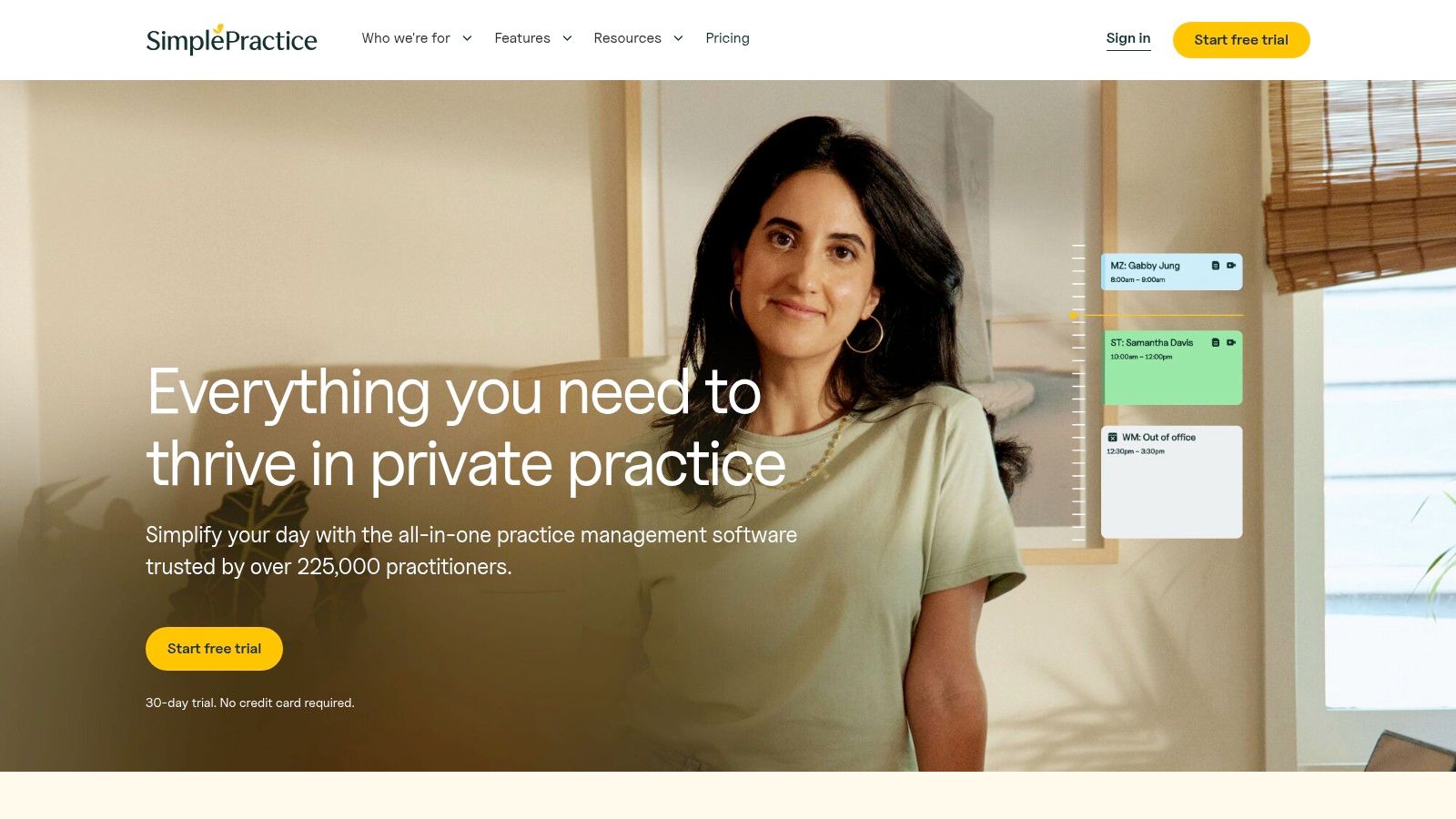
SimplePractice earns its place on this list due to its intuitive design and focus on appointment-based healthcare. The client portal, with self-scheduling capabilities, empowers patients to book appointments at their convenience, reducing administrative burden and enhancing patient satisfaction. Automated appointment reminders, delivered via email, SMS, or voice call, minimize no-shows and keep schedules full. Furthermore, calendar syncing with external calendars like Google Calendar or Outlook ensures providers stay organized across all their commitments.
The platform shines with its telehealth integration, enabling seamless virtual appointments. This is particularly crucial in today’s healthcare landscape, providing flexibility and accessibility for both patients and providers. Customizable appointment types and durations cater to diverse practice needs, from short consultations to longer therapy sessions.
For a business owner or CEO managing a healthcare practice, SimplePractice offers an efficient way to streamline operations and improve patient engagement. The platform's intuitive interface requires minimal training, allowing staff to quickly adapt and utilize its full potential. A CTO evaluating medical appointment scheduling software would appreciate SimplePractice's strong HIPAA compliance and security features, ensuring patient data is protected.
Pros:
- Intuitive, modern interface for easy navigation.
- Purpose-built for appointment-based healthcare providers.
- All-in-one solution encompassing scheduling, documentation, and billing.
- Robust HIPAA compliance and security features.
- Client portal with self-scheduling.
Cons:
- While applicable to various specialties, it's more tailored to mental health than some other medical fields.
- Customization for complex medical practice workflows might be limited.
- Some advanced features necessitate higher pricing tiers.
(Pricing information was not readily available and should be verified directly on the SimplePractice website.) Technical requirements are generally minimal, as SimplePractice is a cloud-based platform accessible through a web browser.
While similar tools like Acuity Scheduling offer broader application across various industries, SimplePractice excels in its specialized focus on healthcare, particularly mental health. For practices dealing with complex medical procedures or requiring extensive customization, exploring other options might be beneficial.
Implementing SimplePractice is generally straightforward. Start by signing up for an account and configuring your practice settings. Customize appointment types, durations, and reminder preferences. Integrate your existing calendar and set up telehealth functionalities if required. Finally, invite your patients to utilize the client portal for self-scheduling and communication.
SimplePractice simplifies medical appointment scheduling, freeing up healthcare professionals to focus on what matters most – providing quality patient care. Explore SimplePractice at https://www.simplepractice.com to learn more.
8. DrChrono
DrChrono distinguishes itself as a comprehensive medical appointment scheduling software solution by offering more than just basic scheduling features. It's a fully integrated EHR, practice management, and medical billing platform, making it a powerful all-in-one tool for healthcare providers seeking streamlined workflows. Imagine having your scheduling, patient records, and billing all interconnected – that's the core value proposition of DrChrono. This robust platform caters to practices of all sizes, from small clinics to larger healthcare organizations, offering a scalable solution to manage patient flow efficiently. This integrated approach not only simplifies administrative tasks but also enhances the patient experience through features like online booking and automated reminders. This makes it an excellent option for busy practices looking to consolidate their systems and optimize their operations.

DrChrono's scheduling capabilities are highly customizable, featuring daily, weekly, and monthly calendar views, color-coded appointments for easy visualization, and online patient scheduling through a dedicated patient portal. For multi-location practices or those with multiple providers, DrChrono offers robust support for managing complex scheduling needs and resource allocation. The automated appointment reminders and follow-ups further enhance efficiency by reducing no-shows and improving patient engagement. Think of the time saved by automating these routine tasks, freeing up your staff to focus on patient care.
While DrChrono's pricing isn't publicly available, it generally follows a tiered structure based on the practice size and features required. Contact their sales team for a customized quote. Technical requirements are minimal, with the platform accessible via web browser and optimized for iPad use, catering to the mobile needs of healthcare professionals. While this all-in-one approach has significant advantages, it’s worth comparing DrChrono to standalone medical appointment scheduling software if your practice has limited needs or already utilizes other EHR and billing systems. Solutions like Acuity Scheduling or Calendly might be more cost-effective for those solely focused on scheduling.
Pros:
- Highly mobile-friendly: Strong iPad optimization makes it ideal for clinicians on the go.
- Comprehensive solution: Goes beyond scheduling to encompass EHR, practice management, and billing.
- Customizable: Adapts to various medical specialties and workflows.
- Strong integrations: Connects with labs, billing systems, and other healthcare tools.
Cons:
- Higher cost: More expensive than standalone scheduling solutions.
- Steeper learning curve: The comprehensive nature of the platform can be initially overwhelming for some users.
- Occasional performance issues: Some users report occasional hiccups during system updates.
- Time investment for implementation: Requires dedicated time and resources for initial setup and training.
Implementation Tips:
- Dedicate time for training: Ensure your staff is adequately trained on all aspects of the platform.
- Customize workflows: Tailor the system to match your specific practice needs and processes.
- Utilize the support resources: Take advantage of DrChrono's customer support and online resources.
- Phased rollout: Consider a phased implementation approach to minimize disruption to your practice.
DrChrono deserves its place on this list because it offers a robust, integrated solution for medical practices seeking to streamline their operations. While the cost and learning curve might be higher than standalone scheduling tools, the comprehensive nature of DrChrono makes it a valuable investment for those seeking an all-in-one platform. Visit DrChrono to explore its features further and determine if it’s the right fit for your practice.
Medical Appointment Scheduling Software Comparison
| Platform | Core Features & Integrations | User Experience & Quality ★★★★☆ | Value Proposition 💰 | Target Audience 👥 | Unique Selling Points ✨ |
|---|---|---|---|---|---|
| 🏆 Voicetta | 24/7 AI communication, CRM/PMS/ERP integration | ★★★★★ Reduces response times, highly adaptive | 💰Consultation-based pricing | Enterprises, hospitality, real estate, healthcare, IT | ✨Intelligent natural dialogue, lead qualification, personalizes conversations |
| Zocdoc | Insurance verification, EMR/EHR integration | ★★★★ User-friendly with verified reviews | 💰Commission-based, can be costly | Healthcare providers and patients | ✨Extensive provider marketplace, real-time patient booking |
| Acuity Scheduling | Custom booking, payment processing, HIPAA options | ★★★★ Intuitive with strong support | 💰Flexible tiers for small to large | Healthcare providers & other industries | ✨HIPAA compliance, multi-calendar sync |
| Practice Fusion | Integrated EHR + scheduling, patient portal | ★★★★ Healthcare specific, strong reporting | 💰Subscription-based, mid to high | Small to mid-sized medical practices | ✨All-in-one EHR with scheduling, color-coded dashboard |
| Calendly | Custom availability, calendar integration | ★★★★ Extremely user-friendly | 💰Affordable; HIPAA on highest tier | Broad industries including healthcare | ✨Simple scheduling, team booking, minimal setup |
| athenahealth | Centralized scheduling, insurance verification | ★★★★ Comprehensive but steeper learning curve | 💰Premium pricing, better for large | Medium to large healthcare providers | ✨Integrated clinical, billing & scheduling workflows |
| SimplePractice | Client portal, telehealth, reminders | ★★★★ Modern, tailored for mental health | 💰Mid-range, tiered pricing | Mental health & therapy practices | ✨All-in-one with telehealth, strong HIPAA security |
| DrChrono | Custom calendar views, multi-location support | ★★★★ Mobile optimized, customizable | 💰Premium pricing, comprehensive | Practices of all sizes, with mobile needs | ✨iPad optimized, integrated billing and documentation |
Choosing the Right Medical Appointment Scheduling Software
From streamlining bookings with Calendly's intuitive interface to managing complex patient data with athenahealth, the array of medical appointment scheduling software options we've explored – Voicetta, Zocdoc, Acuity Scheduling, Practice Fusion, Calendly, athenahealth, SimplePractice, and DrChrono – offer diverse solutions for various needs. The key takeaway is that the “perfect” software depends entirely on your specific requirements. Remember the most important factors: practice size, budget, necessary integrations (like EHR systems or payment gateways), and the features that will truly benefit your workflow and elevate the patient experience.
When evaluating your options, consider factors like cost, integrations with other systems, user-friendliness, and features specific to your practice. To help you narrow down your search, this article reviews some of the top appointment scheduling systems. Don’t underestimate the value of free trials and demos. Hands-on experience with a platform is invaluable in making an informed decision. Implementing the right medical appointment scheduling software isn’t just about digitizing your calendar; it's about transforming your practice into a well-oiled machine, freeing up time for what truly matters: patient care.
Ultimately, the successful implementation of any new system relies on a thoughtful approach to selection and a commitment to training and ongoing optimization. Finding the right medical appointment scheduling software is an investment in your practice’s future, paving the way for improved efficiency, reduced administrative burden, and an enhanced experience for both your staff and your patients.
Ready to explore a powerful solution for streamlining your medical appointment scheduling? Discover how Voicetta can transform your practice with its advanced features and intuitive design. Visit Voicetta today to learn more.
Was this useful?
If this article helped, add Voicetta as a preferred source in Google Search. Your results can then highlight our writing.
Add as preferred source